
null
5.0 / 5.0
グローバル評価1
現役学生アメリカ英語
99言語の字幕1時間 25分
総コンテンツ何を学ぶか
Sử dụng Ứng dụng Canva và cấu hình hồ sơ và cài đặt.
Thiết kế trong Canva từ đầu.
Sử dụng thiết kế mẫu Canva.
Chỉnh sửa nội dung thiết kế của bạn.
コース内容
2 セクション • 39 講義 • 01:25:57 全長Lecture 21 - Section 2 Overview
01:25
Lecture 22 - Output Your Design to Business Cards
02:10
Lecture 23 - Output Your Design to Posters
01:57
Lecture 24 - Output Your Design to Flyers
01:48
Lecture 25 - Output Your Design to Postcards
02:09
Lecture 26 - Output Designs to Printable Invitations
01:52
Lecture 27 - Testing Canva for Work
01:36
Lecture 28 - Resizing Canva for Work
02:13
Lecture 29 - Brand Kit of Canva for Work
02:35
Lecture 30 - Animation in Canva for Work
01:54
Lecture 31 - Images Access in Canva for Work
01:41
Lecture 32 - Folders and Storage in Canva for Work
01:48
Lecture 33 - Transparent Background in Canva for Work
01:32
Lecture 34 - Special Fonts in Canva for Work
02:19
Lecture 35 - Live Example - Creating Pinterest Pin
04:20
Lecture 36 - Live Example - Creating Business Card
04:01
Lecture 37 - Live Example - Creating Facebook Event Cover
03:02
Lecture 38 - Live Example - Creating Instagram Post
02:04
Lecture 39 - Live Example - Creating YouTube Thumbnail
03:20
Lecture 40 - Section 2 Conclusion
01:32
週間学習計画
学習の旅を計画しよう
AIがあなたの可用時間に合わせたスケジュールを作成5 時間/週
要件
Không cần điều kiện đặt cụ thể nào để tham gia khóa học này ngoài quyết tâm mạnh mẽ để làm chủ việc thiết kế trên Canva
対象者
Nhà thiết kế đồ họa
Bất kỳ ai quan tâm đến việc tạo thiết kế đồ họa đơn giản hoặc nâng cao
このコースについて
Canva là phần mềm trực tuyến tuyệt vời cho bất kỳ ai cần tạo thiết kế đồ họa cho bài đăng trên mạng xã hội, thẻ, biểu đồ thông tin, v.v.. Canva rất nổi tiếng với thư viện lớn các yếu tố đồ họa cho người dùng sử dụng trong thiết kế của họ.
Canva có thể biến bất kỳ ai thành một nghệ sĩ đồ họa tài năng và chuyên nghiệp. Điều tuyệt vời khi sử dụng Canva là bạn không cần phải là một nhà thiết kế đồ họa tài năng để tạo ra một số tác phẩm đồ họa tuyệt vời. Canva là một lựa chọn tuyệt vời cho những người không muốn phải trả tiền cao cho một nhà thiết kế đồ họa để tạo cho họ một số đồ họa hoặc mua phần mềm đồ họa đắt tiền.
Nếu bạn là một trong những người này và đã sẵn sàng để làm chủ việc sử dụng Canva, khóa học hướng dẫn từng bước ngắn gọn và thực tế này từ LinCademy dành cho bạn. Thông qua 40 video hướng dẫn từng bước của khóa học này với mô-đun đầu tiên làm việc với các tính năng cơ bản của Canva và mô-đun thứ hai làm việc với các tính năng nâng cao hơn của Canva, bạn sẽ đã học được những điều sau đây:
- Bắt đầu với Canva
Trong 6 buổi học, bạn bắt đầu làm việc với Canva bằng cách cấu hình hồ sơ và cài đặt; sử dụng Ứng dụng Canva; hiểu về Canva Brand Kit và giá cả; và mời các thành viên của nhóm của bạn tham gia Canva
- Thiết kế trên Canva (Phần 1)
Trong 4 buổi học, bạn sẽ học cách thiết kế bằng cách sử dụng các mẫu Canva cũng như thiết kế từ đầu. Bạn cũng sẽ học cách chia sẻ thiết kế của mình với nhóm của bạn và cách chỉnh sửa nội dung thiết kế của bạn.
- Thiết kế trên Canva (Phần 2)
Trong 4 buổi học, bạn sẽ làm chủ việc làm việc với các yếu tố khác nhau trên Can
キャリア機会と目指せる職種
実践的な実務スキルを身につけ、グローバルに活躍できる職種へのキャリアを拓きます
実践即戦力カリキュラム
目指せる主な職種・ポジション
Product Designer (UI/UX)
User Experience Researcher
Interaction & Visual Designer
Design Systems Lead
想定平均年収
$80,000 – $130,000 / yr
世界的な市場需要
Strong Demand in SaaS & Mobile Tech
習得できる実践スキル* グローバルなテクノロジー業界の採用基準および給与調査レポートに基づいた目安です。
End-to-End User Journey Mapping
Interactive Prototyping & Figma Mastery
Usability Testing & Heuristic Evaluation
Design System Architecture & Tokens
講師の紹介
LinCademy
主な講師
Training courses/programs publisher
Launched in London in 2020 (officially incorporated in 2024), LinCademy empowers you to learn and develop in-demand skills from the comfort of your home. Our unique platform combines engaging, self-paced courses with a vibrant community for interaction, networking, and self-branding. This blend of gamified learning and social connection empowers you to take control of your development and achieve your professional goals....
この講師の他のコース:
LinCademy学生さんも購入しました
このコースを閲覧した学習者は、これらの高評価コースにも登録しています
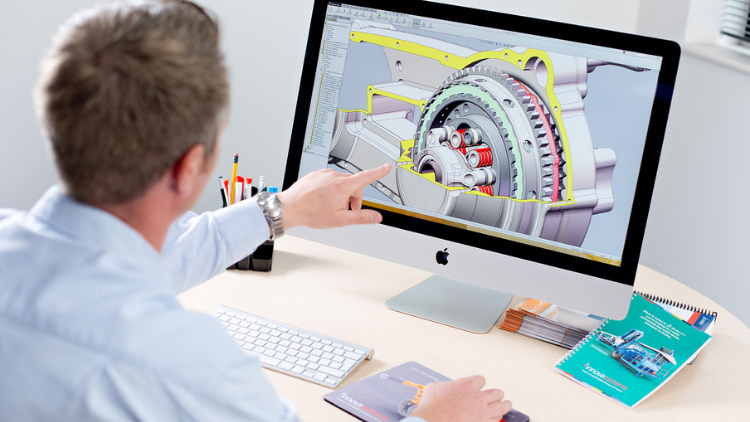
デザイン | 3D とアニメーション
Learn Creating 3D Models for parts, assemble different parts and make motion between them.
5.0
1時間 30分
13 講義
すべて
$19.99
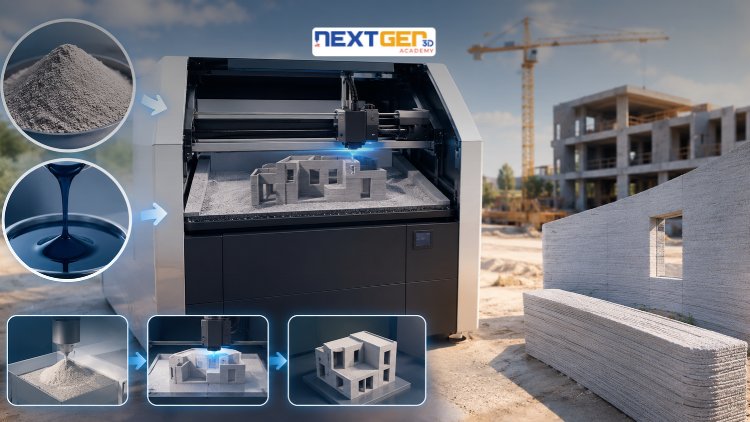
デザイン | 3D プリント
Learn construction binder jetting, materials, CAD design, and quality control.
5.0
3時間
25 講義
中級
$12.99
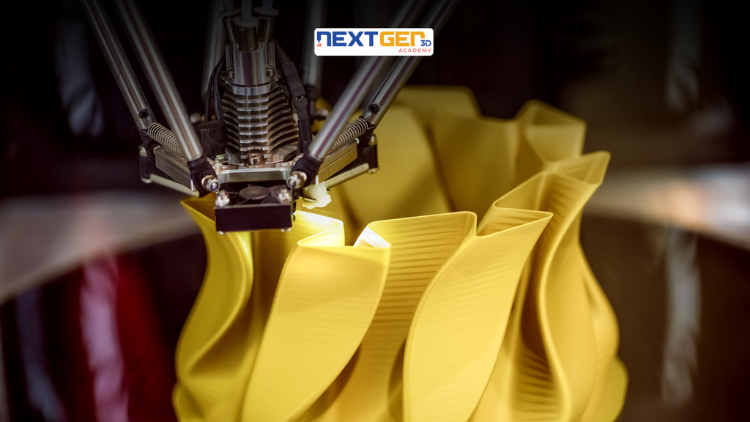
デザイン | 3D プリント
Master 3D printing fundamentals, FDM, SLA, SLS, DMLS, industrial applications, rapid prototyping, production workflows, quality control, and additive manufacturing case studies.
5.0
3時間 30分
26 講義
中級
$9.99

デザイン | Canva AI デザインツール
Unlock AI features in Canva to design, teach, and sell effectively for your business.
5.0
1時間
19 講義
専門家
$12.99
$54.99

デザイン | グラフィックデザイン&イラストレーション
Develop your graphic design skills by mastering the advanced features of Both Photoshop and GIMP
5.0
1時間 30分
29 講義
すべて
$9.99
$74.99

デザイン | 描画
Learn pencil control, lines, shapes, forms, shading, proportions, perspective, and still-life sketching through a practical 30-day beginner drawing journey.
5.0
3時間 30分
4 講義
初心者
$34.99
$49.99
Frequently Bought Together
Learners who enrolled in this course also frequently purchased these complementary courses together.
7-Day Money Back Guarantee for all bundle items
Total price for selected items:
$70.38
$87.97
よくある質問
このコースに関するよくある質問への回答をご覧ください。
はい!コースの講義と課題を 100% 完了すると、検証済みのデジタル修了証明書を Lucebra プロフィールから直接ダウンロードできます。
Technology をもっと探す
認定証明書、関連電子書籍、インタラクティブなライブ講座で学びをさらに深めましょう。