Lucebra
Lucebra Negosyo
Disenyo/3D at Animation

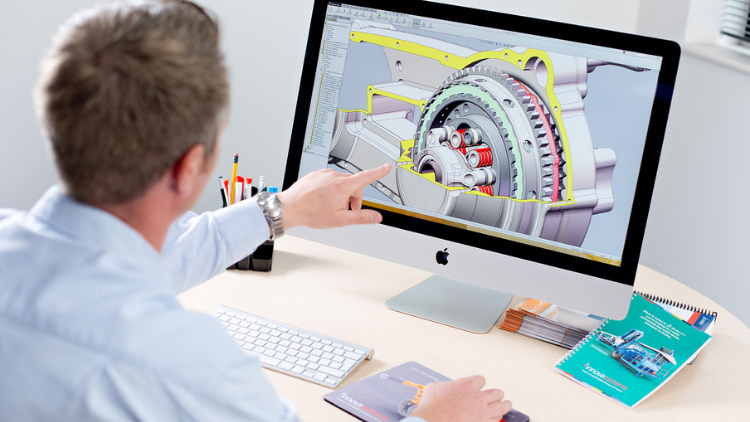
SOLIDWORKS Cursus: Verander 2D-schetsen in 3D-modellen

Leer hoe u 3D-modellen voor onderdelen maakt, verschillende onderdelen samenstelt en beweging tussen hen creëert.

Lahat ng Antas • 14 Mga lektura • Panghabambuhay na Access
Educational Engineering Team

Na-verify na Master Instructor

SOLIDWORKS Cursus: Verander 2D-schetsen in 3D-modellen
TRAILER
Kilalanin ang iyong instructor: Educational Engineering Team

19 ms

5.0 / 5.0
Global Rating
1
Mga Aktibong Mag-aaral
Ingles (American)
99 Mga Subtitle na Wika
1 oras 14 min
Kabuuang Nilalaman

Ang matututuhan mo

Schetsen maken
Onderdelen maken en assemblages bouwen
Verschillende versies van uw onderdelen maken en beheren met configuraties
Ontwerpwijzigingen automatiseren met vergelijkingen

Nilalaman ng Kurso

4 na mga seksyon • 14 mga lektura • 01:14:14 kabuuang haba

Introduction

01:20

SolidWorks Components - Parts Asseblies Drawings

02:34

Let's Begin! Starting SolidWorks

05:22

SolidWork Explorer Tab Explained

04:27

SolidWork Toolbars Explained

05:33

SolidWork Exercise

13:16

SolidWork Exercise - Continue

08:45

Handfull Shortcuts

02:37

3D Views Tab

03:49

Second Exsercise

05:33

Assemblies

06:12

Motion Study

03:38

Drawing

05:18
Lingguhang Plano ng Pag-aaral
Planuhin ang iyong paglalakbay sa pag-aaral
Ang AI ay lumilikha ng personalized na iskedyul ayon sa iyong oras

Mga kinakailangan

Download SolidWorks

Target na Audience

Anyone interested in 3D Design and Simulation

3D Geeks and Fans

Engineers

Inventors and Designers

Tungkol sa kursong ito

SOLIDWORKS is de wereldleider in 3D-software voor productontwikkeling en -ontwerp. Met SOLIDWORKS kunt u productieklare onderdelen en assemblages maken, evenals gedetailleerde tekeningen en materialenlijsten.


Waarom zou u deze cursus volgen?


  • Deze cursus is een beginnerscursus, dus er is geen voorkennis van CAD of modelleringssoftware nodig.
  • Onderwerpen omvatten het ontwerpen vanuit 2D-schetsen en het gebruik van modelleringssoftware om 3D-modellen uit die schetsen te maken.
  • Leer cruciale vaardigheden zoals het tekenen van geometrie, het dimensioneren van geometrie, het maken van vaste geometrie en het gebruik van schetsvlakken.
  • Je leert hoe je 2D-schetsen omzet in 3D-modellen.
  • Deze cursus bevat ook veel bronnen zoals films en voorbeeldmodellen.


Continue updates Meer dan 1000 STUDENTEN!!! BEDANKT!!!


Welkom bij deze cursus.


Deze cursus brengt je van nul ervaring met 3D-modellering naar een professional die 3D-onderdelen en assemblages kan bouwen en ze omzet in productieklare fabricagetekeningen. Deze SOLIDWORKS Essentials-cursus wordt aanbevolen voor iedereen die nieuw is bij SOLIDWORKS. Of je nu bent gemigreerd van 2D CAD, een ander 3D-systeem, of helemaal geen ervaring hebt met CAD, deze cursus is geschikt voor jou. Beginnend met de basis van het programma, ontwikkelt de cursus zich door te kijken naar de modelleringsessenties die nodig zijn voor dagelijks gebruik van de software, tot aan enkele geavanceerde onderwerpen voor het automatiseren van ontwerpen.


Deze cursus richt zich ook op het 2D-tekenaspek van het pakket, met een diepgaande blik op het instellen van tekenkaders, het maken van tekeningweergaven en het toepassen van afmetingsschema's. Er wordt tijd besteed aan het aanpassen van tekenkaders voor bedrijfsspecifieke vereisten.


Door snel op snelheid te komen en de beste modelleringspraktijken te gebruiken, zorgt de SOLIDWORKS Essentials-cursus ervoor dat alle SOLIDWORKS-gebruikers maximale efficiëntie en productiviteit bereiken. Nieuwe CAD-gebruikers, ervaren gebruikers van andere CAD-systemen en veteranen van SOLIDWORKS kunnen allemaal profiteren van Essentials-training. Er worden echte casestudy's gebruikt om processen te illustreren en alles te leren wat je nodig hebt om modellen van onderdelen en assemblages te bouwen en tekeningen van die onderdelen en assemblages te maken.


In deze cursus laten we studenten zien hoe ze productieklare onderdelen en assemblages in SOLIDWORKS kunnen maken. We beginnen met eenvoudige 2D-schetsen en de zachte
Kilalanin ang iyong instruktor
Educational Engineering Team
5.0 Rating
97 Mag-aaral
Tingnan ang Buong Profile
Educational Engineering Team
Pangunahing Instruktor
Educational Engineering Team is a Leading Team in Microcontroller Industry, with over 13 Years of Experience in Teaching and Doing Practical Projects.

Educational Engineering Team is a group of skilled engineers dedicated to sharing practical knowledge with learners worldwide. Founded by Ashraf Said Al-Madhoun, the team has worked in programming, microcontrollers, electronics, and engineering education since 2007.

Rather than offering superficial explanations, the team breaks down complex topics into clear, step-by-step lessons supported by practical projects and bite-sized videos. This hands-on approach helps learners understand technical concepts and apply them directly to their studies, careers, and personal projects.

Ashraf is a Mechatronics Engineer, educator, author, electronics and programming enthusiast, and maker. As Chief Educational Engineer, he specializes in explaining challenging concepts in a simple, structured, and accessible way. He has extensive teaching experience and has authored four books about microcontrollers.

Educational Engineering Team has created more than 100 online courses covering circuit design, electronics simulation, PCB fabrication, Arduino, PIC microcontrollers, Raspberry Pi, C, Python, PLC programming, industrial automation, 3D design, ESP boards, embedded systems, and the Internet of Things.

In addition to producing courses, bootcamps, articles, and tutorials, the team supports electronics and programming enthusiasts, STEM students, educators, and aspiring engineers. Its members also provide engineering consultation and guidance for student graduation projects, helping learners develop practical skills and prepare for careers in the technology industry.

...
Iba pang mga Kurso ni
Educational Engineering Team

Bumili din ang mga estudyante

Ang mga mag-aaral na tumingin sa kursong ito ay nag-enroll din sa mga nangungunang kursong ito

SOLIDWORKS Course: Turn 2D Sketches into 3D Models
Disenyo | 3D at Animation

Learn Creating 3D Models for parts, assemble different parts and make motion between them.

5.0
1 oras 30 min
13 mga lecture
Lahat
$19.99
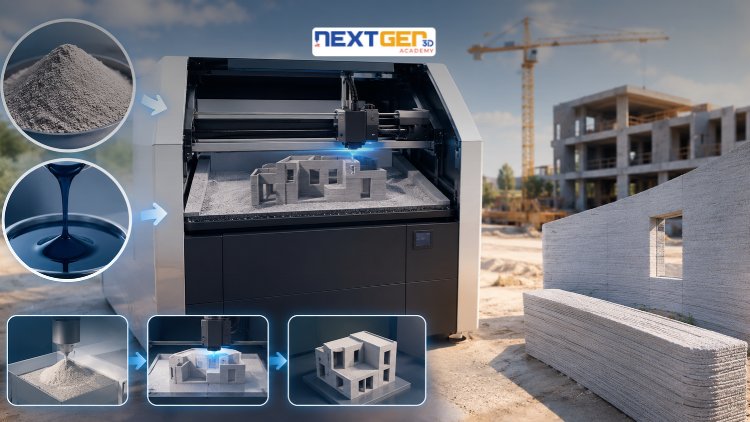
Complete 3D Printing Guide: Binder Jetting for Construction
Disenyo | 3D Printing

Learn construction binder jetting, materials, CAD design, and quality control.

5.0
3 oras
25 mga lecture
Intermediate
$12.99
Complete 3D Printing Guide: Industrial Applications of Additive Manufacturing
Disenyo | 3D Printing

Master 3D printing fundamentals, FDM, SLA, SLS, DMLS, industrial applications, rapid prototyping, production workflows, quality control, and additive manufacturing case studies.

5.0
3 oras 30 min
26 mga lecture
Intermediate
$9.99
Master Canva (III): Boost Creativity with AI-Powered Design
Disenyo | Canva AI Design Tools

Unlock AI features in Canva to design, teach, and sell effectively for your business.

5.0
1 oras
19 mga lecture
Dalubhasa
$12.99

$54.99

Graphics Expert: Advanced Photoshop and GIMP
Disenyo | Graphic Design at Ilustrasyon

Develop your graphic design skills by mastering the advanced features of Both Photoshop and GIMP

5.0
1 oras 30 min
29 mga lecture
Lahat
$9.99

$74.99

The Complete Drawing & Sketching Masterclass: Beginner to Pro in 30 Days
Disenyo | Pagguhit

Learn pencil control, lines, shapes, forms, shading, proportions, perspective, and still-life sketching through a practical 30-day beginner drawing journey.

5.0
3 oras 30 min
4 mga lecture
Baguhan
$34.99

$49.99

Frequently Bought Together

Learners who enrolled in this course also frequently purchased these complementary courses together.

7-Day Money Back Guarantee for all bundle items

Total price for selected items:

$34.38

$42.97

🎉 Save 20% when bought together

Mga Madalas Itanong

Maghanap ng mga sagot sa pinakakaraniwang tanong tungkol sa kursong ito.

Oo! Sa pagkumpleto ng 100% ng mga lektura at takdang-aralin sa kurso, maaari mong agad na i-download ang iyong na-verify na digital na Sertipiko ng Pagkumpleto nang direkta mula sa iyong profile sa Lucebra.

Mag-explore Pa sa Technology

Palawakin ang iyong pag-aaral gamit ang mga kinikilalang sertipiko, e-book, at live interactive na mga klase.