
null
Maîtrisez Canva: Une excellente option pour les non-graphistes
Usa Canva per Creare e Brandizzare Anche se Sai Poco di Design Grafico
Tous les niveaux • 39 Conférences • Accès à vie
Instructeur Maître Vérifié
BANDE-ANNONCE
Rencontrez votre instructeur : LinCademy
19 ms
5.0 / 5.0
Note globale1
Étudiants actifsAnglais américain
Sous-titres en 99 langues1h 25 min
Contenu totalCe que vous apprendrez
Utilizzo dell'App Canva e configurazione del tuo profilo e delle tue impostazioni.
Design in Canva da zero.
Utilizzo dei template di design di Canva.
Modifica del contenuto del tuo design.
Contenu du cours
2 rubriques • 39 conférences • 01:25:57 longueur totaleLecture 21 - Section 2 Overview
01:25
Lecture 22 - Output Your Design to Business Cards
02:10
Lecture 23 - Output Your Design to Posters
01:57
Lecture 24 - Output Your Design to Flyers
01:48
Lecture 25 - Output Your Design to Postcards
02:09
Lecture 26 - Output Designs to Printable Invitations
01:52
Lecture 27 - Testing Canva for Work
01:36
Lecture 28 - Resizing Canva for Work
02:13
Lecture 29 - Brand Kit of Canva for Work
02:35
Lecture 30 - Animation in Canva for Work
01:54
Lecture 31 - Images Access in Canva for Work
01:41
Lecture 32 - Folders and Storage in Canva for Work
01:48
Lecture 33 - Transparent Background in Canva for Work
01:32
Lecture 34 - Special Fonts in Canva for Work
02:19
Lecture 35 - Live Example - Creating Pinterest Pin
04:20
Lecture 36 - Live Example - Creating Business Card
04:01
Lecture 37 - Live Example - Creating Facebook Event Cover
03:02
Lecture 38 - Live Example - Creating Instagram Post
02:04
Lecture 39 - Live Example - Creating YouTube Thumbnail
03:20
Lecture 40 - Section 2 Conclusion
01:32
Plan d’Étude Hebdomadaire
Planifiez votre parcours
L’IA génère un emploi du temps personnalisé selon vos disponibilités5 h/semaine
Prérequis
Nessun prerequisito necessario per seguire questo corso tranne una forte determinazione nel padroneggiare la progettazione su Canva
Public cible
Graphic designer
Anyone interested in creating simple or advanced graphic designs
À propos de ce cours
Canva è un ottimo software online per chiunque necessiti di creare design grafici per post sui social media, biglietti, infografiche e molto altro. Canva è davvero famoso per la sua enorme libreria di elementi grafici che gli utenti possono utilizzare nei loro design.
Canva può trasformare chiunque in un abile e professionista artista grafico. La cosa fantastica nell'usare Canva è che non è necessario essere un abile designer grafico per creare alcune fantastiche opere grafiche. Canva è un'ottima opzione per coloro che non vogliono pagare cifre elevate per un designer grafico per creare loro dei grafici o per acquistare costosi software grafici.
Se sei uno di quelli e sei pronto a padroneggiare l'uso di Canva, questo corso tutorial pratico e conciso passo dopo passo di LinCademy fa per te. Attraverso 40 tutorial video passo dopo passo di questo corso con il suo primo modulo di lavoro con le basi di Canva e il suo secondo modulo di lavoro con le funzionalità più avanzate di Canva, avrai imparato quanto segue:
- Introduzione a Canva
Durante 6 tutorial, inizi a lavorare con Canva configurando il tuo profilo e le tue impostazioni; utilizzando l'App Canva; comprendendo Canva Brand Kit e i prezzi; e invitando i membri del tuo team su Canva
- Progettare su Canva (Parte 1)
Durante 4 tutorial, imparerai come progettare utilizzando i template di Canva e come progettare da zero. Imparerai anche come condividere i tuoi design con il tuo team e come modificare il contenuto del tuo design.
- Progettare su Canva (Parte 2)
Durante 4 tutorial, imparerai a padroneggiare il lavoro con diversi elementi su Canva come elementi di testo ed elementi di sfondo. Imparerai anche come caricare contenuti su Canva e come importare design da altre fonti come Facebook, Instagram, YouTube e Dropbox.
- Condividere e Outputtare i Tuoi Design Completati
Durante 10 tutorial, imparerai come condividere e outputtare i tuoi design completati. Sarai in grado di scaricare i file dei tuoi design in diversi formati, inclusi PowerPoint; condividere i tuoi design sui social media; e outputtare i tuoi design su un sito web, biglietti da visita, poster, volantini, cartoline e inviti stampabili.
- Lavorare con C
Opportunités de Carrière et Métiers Cibles
Développez des compétences directement applicables pour accéder à des postes recherchés
Programme Orienté Emploi
Métiers auxquels vous pouvez postuler
Product Designer (UI/UX)
User Experience Researcher
Interaction & Visual Designer
Design Systems Lead
Salaire Annuel Estimé
$80,000 – $130,000 / yr
Demande sur le Marché Mondial
Strong Demand in SaaS & Mobile Tech
Compétences Clés Maîtrisées* Estimations basées sur les références internationales de recrutement du secteur.
End-to-End User Journey Mapping
Interactive Prototyping & Figma Mastery
Usability Testing & Heuristic Evaluation
Design System Architecture & Tokens
Rencontrez votre formateur
LinCademy
Instructeur principal
Training courses/programs publisher
Launched in London in 2020 (officially incorporated in 2024), LinCademy empowers you to learn and develop in-demand skills from the comfort of your home. Our unique platform combines engaging, self-paced courses with a vibrant community for interaction, networking, and self-branding. This blend of gamified learning and social connection empowers you to take control of your development and achieve your professional goals....
Autres cours de
LinCademyLes étudiants ont également acheté
Les apprenants qui ont consulté ce cours se sont également inscrits à ces cours les mieux notés.
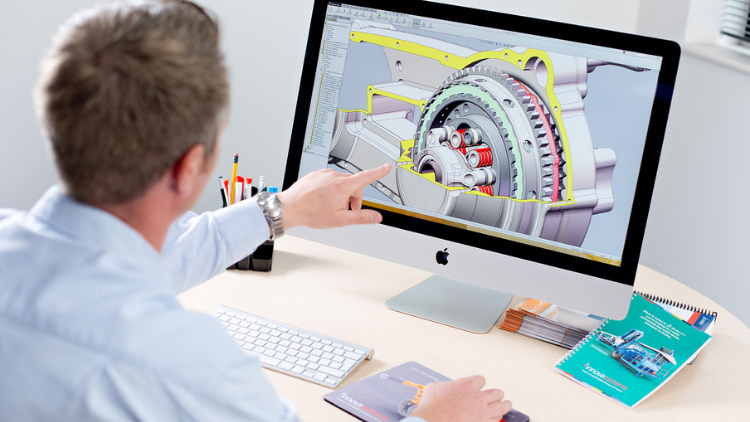
Conception | 3D et animation
Learn Creating 3D Models for parts, assemble different parts and make motion between them.
5.0
1h 30 min
13 leçons
Tous
$19.99
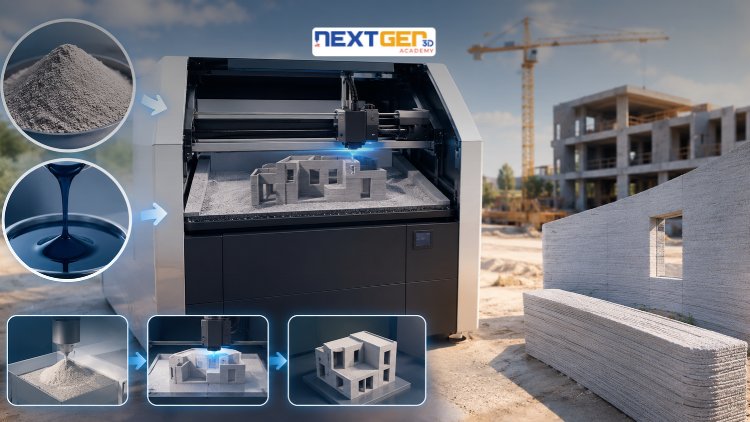
Conception | Impression 3D
Learn construction binder jetting, materials, CAD design, and quality control.
5.0
3h
25 leçons
Intermédiaire
$12.99
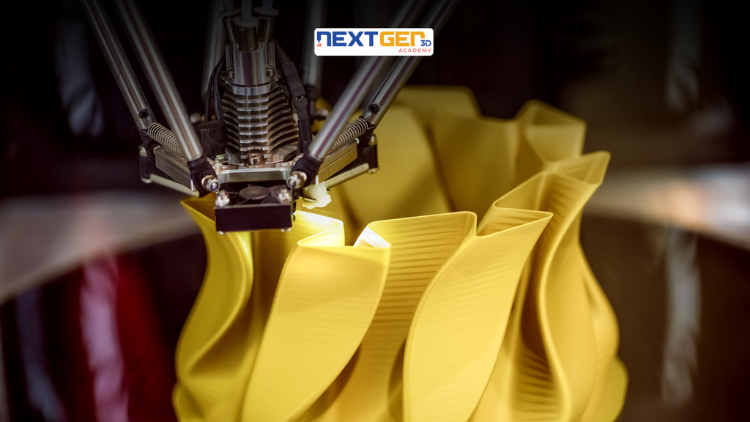
Conception | Impression 3D
Master 3D printing fundamentals, FDM, SLA, SLS, DMLS, industrial applications, rapid prototyping, production workflows, quality control, and additive manufacturing case studies.
5.0
3h 30 min
26 leçons
Intermédiaire
$9.99

Conception | Outils de conception IA Canva
Unlock AI features in Canva to design, teach, and sell effectively for your business.
5.0
1h
19 leçons
Expert
$12.99
$54.99
Conception | Design graphique et illustration
Develop your graphic design skills by mastering the advanced features of Both Photoshop and GIMP
5.0
1h 30 min
29 leçons
Tous
$9.99
$74.99
Conception | Dessin
Learn pencil control, lines, shapes, forms, shading, proportions, perspective, and still-life sketching through a practical 30-day beginner drawing journey.
5.0
3h 30 min
4 leçons
Débutant
$34.99
$49.99
Frequently Bought Together
Learners who enrolled in this course also frequently purchased these complementary courses together.
7-Day Money Back Guarantee for all bundle items
Total price for selected items:
$70.38
$87.97
Foire aux questions
Trouvez les réponses aux questions les plus courantes sur ce cours.
Oui! Après avoir terminé 100 % des cours et des devoirs du cours, vous pouvez télécharger instantanément votre certificat d'achèvement numérique vérifié directement à partir de votre profil Lucebra.
En savoir plus dans Technology
Enrichissez votre parcours avec des certificats accrédités, des livres numériques et des cours interactifs en direct.