
null
5.0 / 5.0
全球評級1
活躍的學生美国英语
99 種語言字幕1小時 25分
總內容你將學到什麼
Menggunakan Aplikasi Canva dan mengkonfigurasi profil dan pengaturan Anda.
Mendesain di Canva dari awal.
Menggunakan desain template Canva.
Mengedit konten desain Anda.
課程內容
2 部分 • 39 講座 • 01:25:57 總長度Lecture 21 - Section 2 Overview
01:25
Lecture 22 - Output Your Design to Business Cards
02:10
Lecture 23 - Output Your Design to Posters
01:57
Lecture 24 - Output Your Design to Flyers
01:48
Lecture 25 - Output Your Design to Postcards
02:09
Lecture 26 - Output Designs to Printable Invitations
01:52
Lecture 27 - Testing Canva for Work
01:36
Lecture 28 - Resizing Canva for Work
02:13
Lecture 29 - Brand Kit of Canva for Work
02:35
Lecture 30 - Animation in Canva for Work
01:54
Lecture 31 - Images Access in Canva for Work
01:41
Lecture 32 - Folders and Storage in Canva for Work
01:48
Lecture 33 - Transparent Background in Canva for Work
01:32
Lecture 34 - Special Fonts in Canva for Work
02:19
Lecture 35 - Live Example - Creating Pinterest Pin
04:20
Lecture 36 - Live Example - Creating Business Card
04:01
Lecture 37 - Live Example - Creating Facebook Event Cover
03:02
Lecture 38 - Live Example - Creating Instagram Post
02:04
Lecture 39 - Live Example - Creating YouTube Thumbnail
03:20
Lecture 40 - Section 2 Conclusion
01:32
每週學習計劃
規劃您的學習之旅
AI根據您的可用時間生成個人化時間表5 小時/週
要求
Tidak ada prasyarat yang diperlukan untuk mengikuti kursus ini kecuali tekad kuat untuk menguasai mendesain di Canva
目標受眾
Graphic designer
Anyone interested in creating simple or advanced graphic designs
關於本課程
Canva adalah perangkat lunak online yang hebat bagi siapa saja yang perlu membuat desain grafis untuk postingan media sosial, kartu, infografis, dan banyak lagi. Canva sangat terkenal karena perpustakaan besar elemen grafis yang dapat digunakan pengguna dalam desain mereka.
Canva dapat mengubah siapa saja menjadi seniman grafis yang terampil dan profesional. Hal yang luar biasa tentang penggunaan Canva adalah bahwa Anda tidak perlu menjadi desainer grafis yang terampil untuk membuat beberapa karya grafis yang fantastis. Canva adalah pilihan yang bagus bagi mereka yang tidak ingin membayar banyak uang untuk desainer grafis untuk membuat grafis atau membeli perangkat lunak grafis yang mahal.
Jika Anda salah satu dari mereka dan siap untuk menguasai penggunaan Canva, kursus tutorial langkah demi langkah yang ringkas dan praktis ini dari LinCademy adalah untuk Anda. Melalui 40 tutorial video langkah demi langkah dari kursus ini dengan modul pertama bekerja dengan dasar-dasar Canva dan modul kedua bekerja dengan fitur-fitur canggih Canva, Anda akan telah belajar hal-hal berikut:
- Memulai dengan Canva
Selama 6 tutorial, Anda mulai bekerja dengan Canva dengan mengkonfigurasi profil dan pengaturan Anda; menggunakan Aplikasi Canva; memahami Canva Brand Kit dan harga; dan mengundang anggota tim Anda ke Canva
- Mendesain di Canva (Bagian 1)
Selama 4 tutorial, Anda akan belajar cara mendesain menggunakan template Canva serta mendesain dari awal. Anda juga akan belajar cara membagikan desain Anda dengan tim Anda dan cara mengedit konten desain Anda.
- Mendesain di Canva (Bagian 2)
Selama 4 tutorial, Anda akan menguasai bekerja dengan elemen-elemen berbeda di Canva seperti elemen teks dan elemen latar belakang. Anda juga akan belajar cara mengunggah konten ke Canva serta mengimpor desain dari sumber lain seperti Facebook, Instagram, YouTube, dan Dropbox.
- Membagikan dan Mengeluarkan Desain yang Sudah Selesai
Selama 10 tutorial, Anda akan belajar cara membagikan dan mengeluarkan desain yang sudah selesai. Anda akan dapat mengunduh file desain Anda dalam berbagai format termasuk PowerPoint; membagikan desain Anda di media sosial; dan mengeluarkan desain Anda ke situs web, kartu bisnis, poster, selebaran, kartu pos, dan undangan cetak.
- Bekerja dengan C
職業發展機會與目標職位
掌握前沿實務技能,勝任全球高薪核心職務
就業就緒型課程
可應徵的目標職位
Product Designer (UI/UX)
User Experience Researcher
Interaction & Visual Designer
Design Systems Lead
預估年薪範圍
$80,000 – $130,000 / yr
全球產業需求
Strong Demand in SaaS & Mobile Tech
掌握的核心關鍵技能* 估算數據基於全球科技產業薪酬指標與市場招聘報告。
End-to-End User Journey Mapping
Interactive Prototyping & Figma Mastery
Usability Testing & Heuristic Evaluation
Design System Architecture & Tokens
認識您的講師
LinCademy
主要導師
Training courses/programs publisher
Launched in London in 2020 (officially incorporated in 2024), LinCademy empowers you to learn and develop in-demand skills from the comfort of your home. Our unique platform combines engaging, self-paced courses with a vibrant community for interaction, networking, and self-branding. This blend of gamified learning and social connection empowers you to take control of your development and achieve your professional goals....
該講師的其他課程:
LinCademy學生也買了
查看此課程的學習者也註冊了這些評價最高的課程
設計 | 3D 與動畫
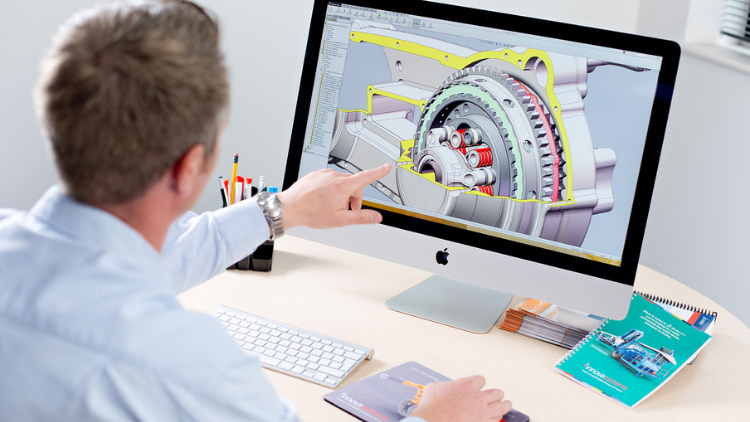
Learn Creating 3D Models for parts, assemble different parts and make motion between them.
5.0
1小時 30分
13 講座
全部
$19.99
設計 | 3D列印
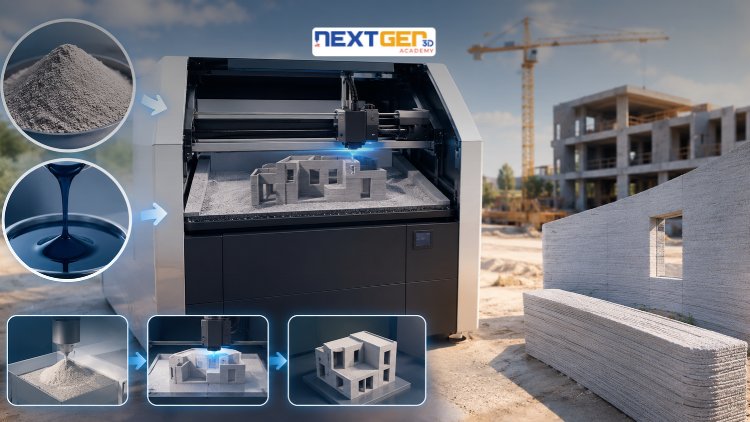
Learn construction binder jetting, materials, CAD design, and quality control.
5.0
3小時
25 講座
中間的
$12.99
設計 | 3D列印
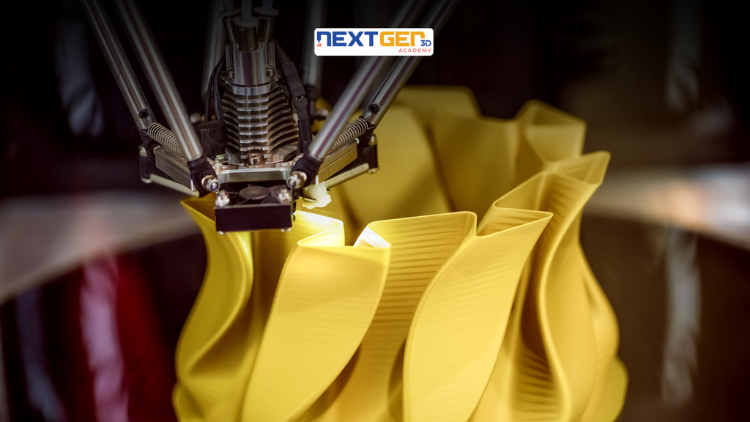
Master 3D printing fundamentals, FDM, SLA, SLS, DMLS, industrial applications, rapid prototyping, production workflows, quality control, and additive manufacturing case studies.
5.0
3小時 30分
26 講座
中間的
$9.99

設計 | Canva 人工智慧設計工具
Unlock AI features in Canva to design, teach, and sell effectively for your business.
5.0
1小時
19 講座
專家
$12.99
$54.99

設計 | 平面設計與插畫
Develop your graphic design skills by mastering the advanced features of Both Photoshop and GIMP
5.0
1小時 30分
29 講座
全部
$9.99
$74.99

設計 | 繪畫
Learn pencil control, lines, shapes, forms, shading, proportions, perspective, and still-life sketching through a practical 30-day beginner drawing journey.
5.0
3小時 30分
4 講座
初學者
$34.99
$49.99
Frequently Bought Together
Learners who enrolled in this course also frequently purchased these complementary courses together.
7-Day Money Back Guarantee for all bundle items
Total price for selected items:
$70.38
$87.97
常見問題解答
尋找有關本課程的最常見問題的答案。
是的! 100% 完成課程講座和作業後,您可以立即直接從您的 Lucebra 個人資料下載經過驗證的數位結業證書。
探索更多 Technology 內容
透過權威認證證書、精選電子書與即時互動直播課程拓展您的學習之旅。