
null
Master Canva: Pilihan Hebat untuk Non-Desainer Grafis
Use Canva to Create and Brand Even if You Know Little about Graphic Design
Semua Tingkat • 39 Pengajar • Akses Seumur Hidup
Instruktur Master Terverifikasi
TRAILER
Temui instruktur Anda: LinCademy
19 ms
5.0 / 5.0
Peringkat Global1
Siswa AktifInggris (Amerika Serikat)
Terjemahan 99 Bahasa1 jam 25 mnt
Jumlah KontenApa yang akan Anda pelajari
Using Canva App and configuring your profile and settings.
Design in Canva from scratch.
Using Canva template designs.
Editing your design content.
Konten Kursus
2 bagian • 39 materi • Peringkat GlobalLecture 21 - Section 2 Overview
01:25
Lecture 22 - Output Your Design to Business Cards
02:10
Lecture 23 - Output Your Design to Posters
01:57
Lecture 24 - Output Your Design to Flyers
01:48
Lecture 25 - Output Your Design to Postcards
02:09
Lecture 26 - Output Designs to Printable Invitations
01:52
Lecture 27 - Testing Canva for Work
01:36
Lecture 28 - Resizing Canva for Work
02:13
Lecture 29 - Brand Kit of Canva for Work
02:35
Lecture 30 - Animation in Canva for Work
01:54
Lecture 31 - Images Access in Canva for Work
01:41
Lecture 32 - Folders and Storage in Canva for Work
01:48
Lecture 33 - Transparent Background in Canva for Work
01:32
Lecture 34 - Special Fonts in Canva for Work
02:19
Lecture 35 - Live Example - Creating Pinterest Pin
04:20
Lecture 36 - Live Example - Creating Business Card
04:01
Lecture 37 - Live Example - Creating Facebook Event Cover
03:02
Lecture 38 - Live Example - Creating Instagram Post
02:04
Lecture 39 - Live Example - Creating YouTube Thumbnail
03:20
Lecture 40 - Section 2 Conclusion
01:32
Rencana Belajar Mingguan
Rencanakan perjalanan belajar Anda
AI membuat jadwal personal berdasarkan waktu Anda5 jam/minggu
Persyaratan
No prerequisites needed to take this course except for strong determination to master designing on canva
Target Pemirsa
Graphic designer
Anyone interested in creating simple or advanced graphic designs
Tentang kursus ini
Canva is great online software for anyone needing to create graphic designs for social media posts, cards, infographics, and many more. Canva is really famous for its huge library of graphic elements for users to use in their designs.
Canva can turns anyone into a skilled and professional graphic artist. The great thing about using Canva is that you don’t need to be a skilled graphic designer to create some fantastic pieces of graphic work. Canva is a great option for those who don’t want to pay big bucks for a graphic designer to make them some graphics or to buy expensive graphic software.
If you’re one of those and are ready to master using Canva, this step-by-step concise and practical tutorial course from LinCademy is for you. Through out 40 step-by-step video tutorial of this course with its first module of working with the basics of Canva and its second module of working with more advanced features of Canva, you will have learnt the following:
- Getting Started with Canva
During 6 tutorials, you start working with Canva by configuring your profile and settings; using Canva App; understanding Canva Brand Kit and pricing; and inviting your team members to Canva
- Designing on Canva (Part 1)
During 4 tutorials, you will learn how to design using Canva templates as well as designing from scratch. You will also learn how to share your designs with your team and how to edit your design content.
- Designing on Canva (Part 2)
During 4 tutorials, you will master working with different elements on Canva such as text elements and background element. You will also learn how to upload content to Canva as well as importing designs from other sources such as Facebook, Instagram, YouTube and Dropbox.
- Sharing and Outputting Your Completed Designs
During 10 tutorials, you will learn how to share and output your finished designs. You will be able to download your design files in different formats including PowerPoint; share your designs on social media; and output your designs to a website, business cards, posters, flyers, postcards and printable invitations.
- Working with Canva for work
During 8 tutorials, you will dive deeper into Canva for Work by understanding their trial version and Brand Kit as well as working with resizing, animation, images access, folders and storage, transparent background, and special fonts.
- Live Examples on Canva
During 5 tutorials, you will watch 5 projects done step-by-step as real examples to follow if you want to design the same. Throughout these designs, we will create a Pinterest Pin, a business card, a Facebook event cover, an Instagram post, and a YouTube thumbnail.
Don't hesitate and get enrolled in this course now to master designing on Canva even if You have little knowledge about Graphic Design.
Peluang Karier & Peran Pekerjaan Target
Kembangkan keterampilan siap kerja dan penuhi syarat untuk peran bergengsi di seluruh dunia
Kurikulum Siap Kerja
Posisi Pekerjaan yang Dapat Anda Lamar
Product Designer (UI/UX)
User Experience Researcher
Interaction & Visual Designer
Design Systems Lead
Perkiraan Gaji Tahunan
$80,000 – $130,000 / yr
Permintaan Pasar Global
Strong Demand in SaaS & Mobile Tech
Keahlian Kunci yang Anda Kuasai* Perkiraan berdasarkan tolok ukur perekrutan teknologi global.
End-to-End User Journey Mapping
Interactive Prototyping & Figma Mastery
Usability Testing & Heuristic Evaluation
Design System Architecture & Tokens
Kenali Instruktur Anda
LinCademy
Instruktur Utama
Training courses/programs publisher
Launched in London in 2020 (officially incorporated in 2024), LinCademy empowers you to learn and develop in-demand skills from the comfort of your home. Our unique platform combines engaging, self-paced courses with a vibrant community for interaction, networking, and self-branding. This blend of gamified learning and social connection empowers you to take control of your development and achieve your professional goals....
Kursus Lain oleh
LinCademySiswa juga membeli
Pelajar yang melihat kursus ini juga terdaftar dalam kursus dengan peringkat teratas ini
Desain | 3D & Animasi
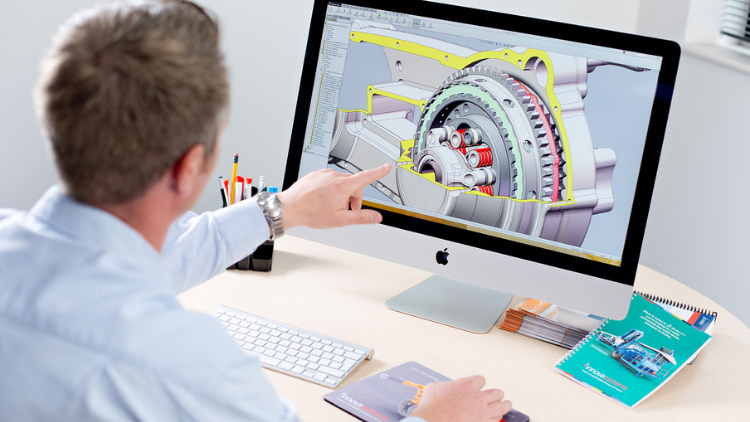
Learn Creating 3D Models for parts, assemble different parts and make motion between them.
5.0
1 jam 30 mnt
13 kuliah
Semua
$19.99
Desain | Pencetakan 3D
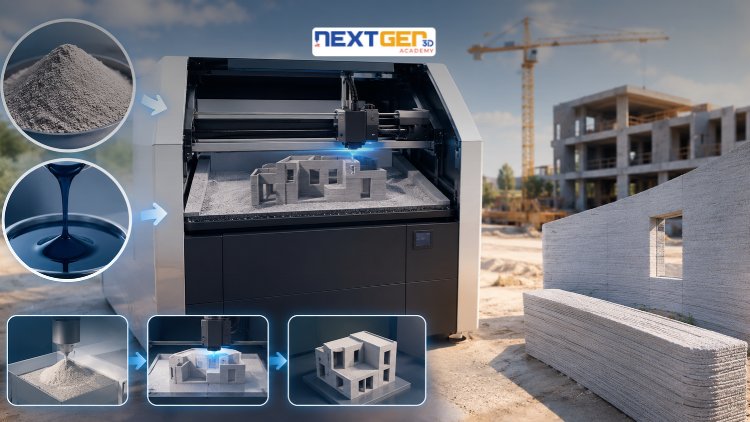
Learn construction binder jetting, materials, CAD design, and quality control.
5.0
3 jam
25 kuliah
Intermediat
$12.99
Desain | Pencetakan 3D
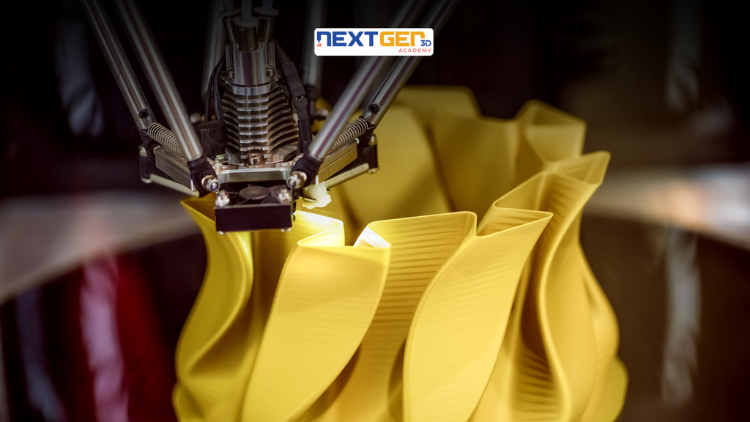
Master 3D printing fundamentals, FDM, SLA, SLS, DMLS, industrial applications, rapid prototyping, production workflows, quality control, and additive manufacturing case studies.
5.0
3 jam 30 mnt
26 kuliah
Intermediat
$9.99

Desain | Alat Desain AI Canva
Unlock AI features in Canva to design, teach, and sell effectively for your business.
5.0
1 jam
19 kuliah
Şəxsi Membangun Merek
$12.99
$54.99
Desain | Desain & Ilustrasi Grafis
Develop your graphic design skills by mastering the advanced features of Both Photoshop and GIMP
5.0
1 jam 30 mnt
29 kuliah
Semua
$9.99
$74.99
Desain | Menggambar
Learn pencil control, lines, shapes, forms, shading, proportions, perspective, and still-life sketching through a practical 30-day beginner drawing journey.
5.0
3 jam 30 mnt
4 kuliah
Pemula
$34.99
$49.99
Frequently Bought Together
Learners who enrolled in this course also frequently purchased these complementary courses together.
7-Day Money Back Guarantee for all bundle items
Total price for selected items:
$70.38
$87.97
Pertanyaan yang Sering Diajukan
Temukan jawaban atas pertanyaan paling umum tentang kursus ini.
Ya! Setelah menyelesaikan 100% perkuliahan dan tugas kursus, Anda dapat langsung mengunduh Sertifikat Penyelesaian digital terverifikasi langsung dari profil Lucebra Anda.
Jelajahi Lebih Banyak di Technology
Perluas pembelajaran Anda dengan sertifikat terakreditasi, e-book terkait, dan kelas interaktif langsung.