
null
Trở thành chuyên gia Canva: Một lựa chọn tuyệt vời cho những người không có kỹ năng thiết kế đồ họa
グラフィックデザインの知識がなくてもCanvaを使用して作成およびブランディングを行う
Tất cả các cấp độ • 39 Bài giảng • Truy cập trọn đời
Giảng viên chính đã được xác minh
ĐOẠN PHIM GIỚI THIỆU
Gặp người hướng dẫn của bạn: LinCademy
19 ms
5.0 / 5.0
Đánh giá toàn cầu1
Sinh viên tích cựcTiếng Anh (Mỹ)
99 ngôn ngữ phụ đề1 giờ 25 phút
Tổng số nội dungBạn sẽ học được gì
Canvaアプリとプロフィールと設定の設定。
Canvaで一からデザイン。
Canvaテンプレートデザインの使用。
デザインコンテンツの編集。
Nội dung khóa học
2 phần • 39 bài giảng • 01:25:57 tổng chiều dàiLecture 21 - Section 2 Overview
01:25
Lecture 22 - Output Your Design to Business Cards
02:10
Lecture 23 - Output Your Design to Posters
01:57
Lecture 24 - Output Your Design to Flyers
01:48
Lecture 25 - Output Your Design to Postcards
02:09
Lecture 26 - Output Designs to Printable Invitations
01:52
Lecture 27 - Testing Canva for Work
01:36
Lecture 28 - Resizing Canva for Work
02:13
Lecture 29 - Brand Kit of Canva for Work
02:35
Lecture 30 - Animation in Canva for Work
01:54
Lecture 31 - Images Access in Canva for Work
01:41
Lecture 32 - Folders and Storage in Canva for Work
01:48
Lecture 33 - Transparent Background in Canva for Work
01:32
Lecture 34 - Special Fonts in Canva for Work
02:19
Lecture 35 - Live Example - Creating Pinterest Pin
04:20
Lecture 36 - Live Example - Creating Business Card
04:01
Lecture 37 - Live Example - Creating Facebook Event Cover
03:02
Lecture 38 - Live Example - Creating Instagram Post
02:04
Lecture 39 - Live Example - Creating YouTube Thumbnail
03:20
Lecture 40 - Section 2 Conclusion
01:32
Kế Hoạch Học Hàng Tuần
Lên kế hoạch học tập của bạn
AI tạo lịch trình cá nhân theo thời gian của bạn5 giờ/tuần
Yêu cầu
このコースを受講するための前提条件はなく、Canvaでのデザインをマスターする強い決意のみが必要です
Đối tượng mục tiêu
Graphic designer
Anyone interested in creating simple or advanced graphic designs
Về khóa học này
Canvaは、ソーシャルメディアの投稿、カード、インフォグラフィックなど、グラフィックデザインを作成する必要がある人にとって優れたオンラインソフトウェアです。Canvaは、ユーザーがデザインに使用できる膨大なグラフィック要素ライブラリで有名です。
Canvaは、誰でも熟練したプロのグラフィックアーティストに変身させます。Canvaを使用する素晴らしい点は、優れたグラフィックデザインを作成するために熟練したグラフィックデザイナーである必要がないことです。Canvaは、グラフィックデザイナーに高額な料金を支払ったり、高価なグラフィックソフトウェアを購入したりする必要がない人にとって優れた選択肢です。
もしあなたがそのような人で、Canvaの使用をマスターする準備ができているなら、LinCademyのこのステップバイステップの簡潔で実践的なチュートリアルコースがあなたにぴったりです。このコースの最初のモジュールはCanvaの基本機能の使用、2番目のモジュールはCanvaのより高度な機能の使用に関するもので、40のステップバイステップのビデオチュートリアルを通じて、以下のことを学びます:
- Canvaの基本
6つのチュートリアルを通じて、Canvaのプロフィールと設定の設定、Canvaアプリの使用、Canva Brand Kitと価格の理解、Canvaにチームメンバーを招待することからCanvaの使用を開始します
- Canvaでのデザイン(パート1)
4つのチュートリアルを通じて、Canvaテンプレートの使用と一からデザインする方法を学びます。また、デザインをチームと共有し、デザインコンテンツを編集する方法も学びます
- Canvaでのデザイン(パート2)
4つのチュートリアルを通じて、テキスト要素や背景要素など、Canvaのさまざまな要素の使用をマスターします。また、Canvaにコンテンツをアップロードし、Facebook、Instagram、YouTube、Dropboxなどの他のソースからデザインをインポートする方法も学びます
- 完成したデザインの共有と出力
10のチュートリアルを通じて、完成したデザインの共有と出力方法を学びます。デザインファイルをPowerPointなどの異なる形式でダウンロードし、ソーシャルメディアでデザインを共有し、ウェブサイト、名刺、ポスター、チラシ、ポストカード、印刷可能な招待状にデザインを出力することができます
- Canvaでの作業
Cơ hội Nghề nghiệp & Vị trí Mục tiêu
Xây dựng kỹ năng thực tế sẵn sàng làm việc và ứng tuyển vào các vị trí được săn đón
Chương trình Sẵn sàng Làm việc
Vị trí Công việc Bạn có thể Ứng tuyển
Product Designer (UI/UX)
User Experience Researcher
Interaction & Visual Designer
Design Systems Lead
Mức Lương Ước tính Hàng năm
$80,000 – $130,000 / yr
Nhu cầu Thị trường Toàn cầu
Strong Demand in SaaS & Mobile Tech
Kỹ năng Nòng cốt Bạn sẽ Nắm vững* Ước tính dựa trên tiêu chuẩn tuyển dụng công nghệ toàn cầu.
End-to-End User Journey Mapping
Interactive Prototyping & Figma Mastery
Usability Testing & Heuristic Evaluation
Design System Architecture & Tokens
Gặp gỡ giảng viên của bạn
LinCademy
Giảng viên chính
Training courses/programs publisher
Launched in London in 2020 (officially incorporated in 2024), LinCademy empowers you to learn and develop in-demand skills from the comfort of your home. Our unique platform combines engaging, self-paced courses with a vibrant community for interaction, networking, and self-branding. This blend of gamified learning and social connection empowers you to take control of your development and achieve your professional goals....
Các khóa học khác của
LinCademySinh viên cũng mua
Những người học đã xem khóa học này cũng đã đăng ký vào các khóa học được xếp hạng hàng đầu này
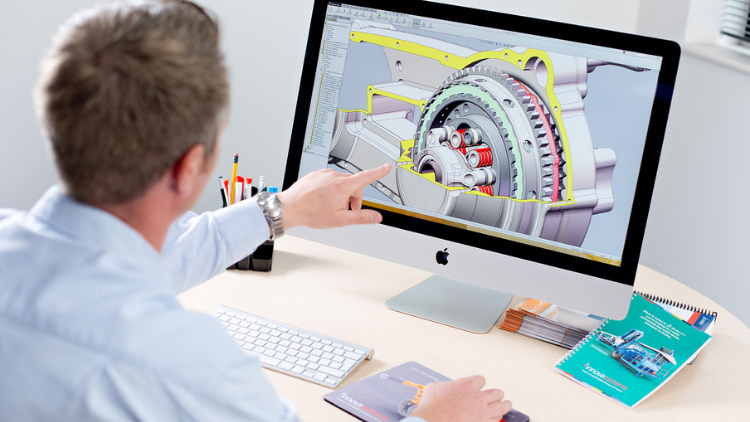
Thiết kế | Mô hình hóa môi trường 3D
Learn Creating 3D Models for parts, assemble different parts and make motion between them.
5.0
1 giờ 30 phút
13 Tất cả
Tất cả các cấp độ
$19.99
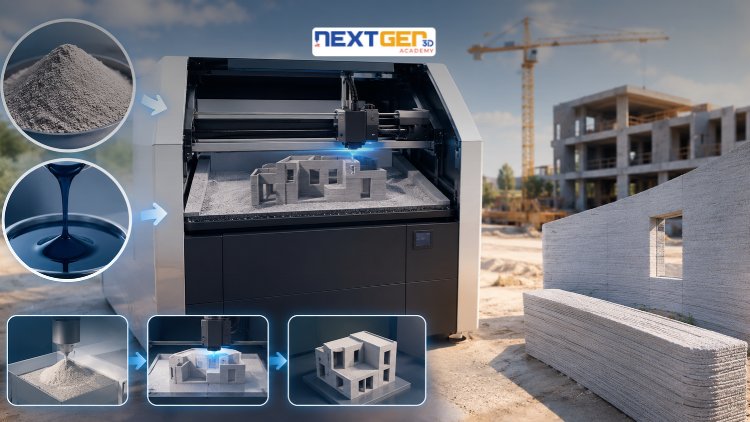
Thiết kế | In 3D
Learn construction binder jetting, materials, CAD design, and quality control.
5.0
3 giờ
25 Tất cả
Trung cấp
$12.99
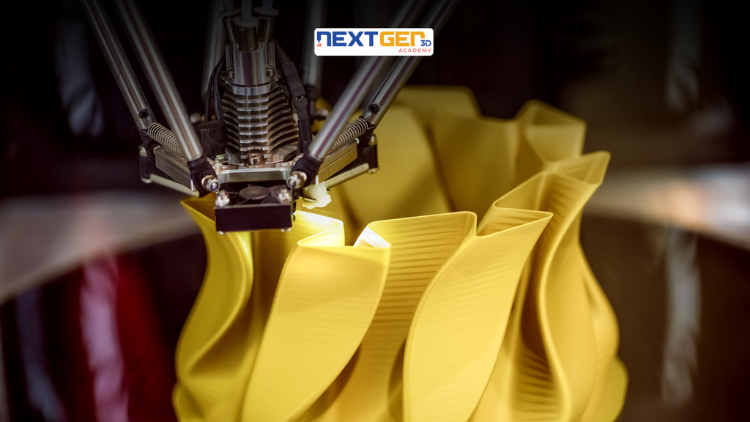
Thiết kế | In 3D
Master 3D printing fundamentals, FDM, SLA, SLS, DMLS, industrial applications, rapid prototyping, production workflows, quality control, and additive manufacturing case studies.
5.0
3 giờ 30 phút
26 Tất cả
Trung cấp
$9.99

Thiết kế | Công cụ thiết kế AI của Canva
Unlock AI features in Canva to design, teach, and sell effectively for your business.
5.0
1 giờ
19 Tất cả
Chuyên gia
$12.99
$54.99

Thiết kế | Hack tăng trưởng
Develop your graphic design skills by mastering the advanced features of Both Photoshop and GIMP
5.0
1 giờ 30 phút
29 Tất cả
Tất cả các cấp độ
$9.99
$74.99

Thiết kế | Vẽ
Learn pencil control, lines, shapes, forms, shading, proportions, perspective, and still-life sketching through a practical 30-day beginner drawing journey.
5.0
3 giờ 30 phút
4 Tất cả
Người mới bắt đầu
$34.99
$49.99
Frequently Bought Together
Learners who enrolled in this course also frequently purchased these complementary courses together.
7-Day Money Back Guarantee for all bundle items
Total price for selected items:
$70.38
$87.97
Câu hỏi thường gặp
Tìm câu trả lời cho những câu hỏi phổ biến nhất về khóa học này.
Đúng! Sau khi hoàn thành 100% các bài giảng và bài tập của khóa học, bạn có thể tải xuống ngay Chứng chỉ Hoàn thành kỹ thuật số đã được xác minh trực tiếp từ hồ sơ Lucebra của mình.
Khám phá thêm trong Technology
Mở rộng hành trình học tập với chứng chỉ uy tín, sách điện tử liên quan và lớp học trực tiếp tương tác.