
null
5.0 / 5.0
গ্লোবাল রেটিং1
সক্রিয় ছাত্রইংরেজি (মার্কিন যুক্তরাষ্ট্র)
99টি ভাষার সাবটাইটেল1 ঘণ্টা 25 মি.
মোট বিষয়বস্তুযা শিখবেন
Canvaアプリとプロフィールと設定の設定。
Canvaで一からデザイン。
Canvaテンプレートデザインの使用。
デザインコンテンツの編集。
কোর্সের বিষয়বস্তু
2 বিভাগ • 39 বক্তৃতা • 01:25:57 মোট দৈর্ঘ্যLecture 21 - Section 2 Overview
01:25
Lecture 22 - Output Your Design to Business Cards
02:10
Lecture 23 - Output Your Design to Posters
01:57
Lecture 24 - Output Your Design to Flyers
01:48
Lecture 25 - Output Your Design to Postcards
02:09
Lecture 26 - Output Designs to Printable Invitations
01:52
Lecture 27 - Testing Canva for Work
01:36
Lecture 28 - Resizing Canva for Work
02:13
Lecture 29 - Brand Kit of Canva for Work
02:35
Lecture 30 - Animation in Canva for Work
01:54
Lecture 31 - Images Access in Canva for Work
01:41
Lecture 32 - Folders and Storage in Canva for Work
01:48
Lecture 33 - Transparent Background in Canva for Work
01:32
Lecture 34 - Special Fonts in Canva for Work
02:19
Lecture 35 - Live Example - Creating Pinterest Pin
04:20
Lecture 36 - Live Example - Creating Business Card
04:01
Lecture 37 - Live Example - Creating Facebook Event Cover
03:02
Lecture 38 - Live Example - Creating Instagram Post
02:04
Lecture 39 - Live Example - Creating YouTube Thumbnail
03:20
Lecture 40 - Section 2 Conclusion
01:32
সাপ্তাহিক অধ্যয়ন পরিকল্পনা
আপনার শেখার যাত্রা পরিকল্পনা করুন
AI আপনার সময় অনুযায়ী ব্যক্তিগত সময়সূচী তৈরি করে5 ঘন্টা/সপ্তাহ
প্রয়োজনীয়তা
このコースを受講するための前提条件はなく、Canvaでのデザインをマスターする強い決意のみが必要です
লক্ষ্য শ্রোতা
Graphic designer
Anyone interested in creating simple or advanced graphic designs
এই কোর্স সম্পর্কে
Canvaは、ソーシャルメディアの投稿、カード、インフォグラフィックなど、グラフィックデザインを作成する必要がある人にとって優れたオンラインソフトウェアです。Canvaは、ユーザーがデザインに使用できる膨大なグラフィック要素ライブラリで有名です。
Canvaは、誰でも熟練したプロのグラフィックアーティストに変身させます。Canvaを使用する素晴らしい点は、優れたグラフィックデザインを作成するために熟練したグラフィックデザイナーである必要がないことです。Canvaは、グラフィックデザイナーに高額な料金を支払ったり、高価なグラフィックソフトウェアを購入したりする必要がない人にとって優れた選択肢です。
もしあなたがそのような人で、Canvaの使用をマスターする準備ができているなら、LinCademyのこのステップバイステップの簡潔で実践的なチュートリアルコースがあなたにぴったりです。このコースの最初のモジュールはCanvaの基本機能の使用、2番目のモジュールはCanvaのより高度な機能の使用に関するもので、40のステップバイステップのビデオチュートリアルを通じて、以下のことを学びます:
- Canvaの基本
6つのチュートリアルを通じて、Canvaのプロフィールと設定の設定、Canvaアプリの使用、Canva Brand Kitと価格の理解、Canvaにチームメンバーを招待することからCanvaの使用を開始します
- Canvaでのデザイン(パート1)
4つのチュートリアルを通じて、Canvaテンプレートの使用と一からデザインする方法を学びます。また、デザインをチームと共有し、デザインコンテンツを編集する方法も学びます
- Canvaでのデザイン(パート2)
4つのチュートリアルを通じて、テキスト要素や背景要素など、Canvaのさまざまな要素の使用をマスターします。また、Canvaにコンテンツをアップロードし、Facebook、Instagram、YouTube、Dropboxなどの他のソースからデザインをインポートする方法も学びます
- 完成したデザインの共有と出力
10のチュートリアルを通じて、完成したデザインの共有と出力方法を学びます。デザインファイルをPowerPointなどの異なる形式でダウンロードし、ソーシャルメディアでデザインを共有し、ウェブサイト、名刺、ポスター、チラシ、ポストカード、印刷可能な招待状にデザインを出力することができます
- Canvaでの作業
ক্যারিয়ারের সুযোগ এবং লক্ষ্যযুক্ত কাজের পদ
ব্যবহারিক এবং কর্মোপযোগী দক্ষতা অর্জন করুন এবং বিশ্বব্যাপী শীর্ষস্থানীয় পদের জন্য আবেদন করুন
কাজের জন্য প্রস্তুত পাঠ্যক্রম
যেসব পদে আপনি আবেদন করতে পারেন
Product Designer (UI/UX)
User Experience Researcher
Interaction & Visual Designer
Design Systems Lead
আনুমানিক বার্ষিক বেতন
$80,000 – $130,000 / yr
বিশ্বব্যাপী শিল্পের চাহিদা
Strong Demand in SaaS & Mobile Tech
যেসব মূল দক্ষতায় আপনি পারদর্শী হবেন* আনুমানিক তথ্য বিশ্বব্যাপী টেক নিয়োগের মানদণ্ড এবং বেতন প্রতিবেদনের উপর ভিত্তি করে।
End-to-End User Journey Mapping
Interactive Prototyping & Figma Mastery
Usability Testing & Heuristic Evaluation
Design System Architecture & Tokens
আপনার প্রশিক্ষকের সাথে পরিচিত হন
LinCademy
প্রধান প্রশিক্ষক
Training courses/programs publisher
Launched in London in 2020 (officially incorporated in 2024), LinCademy empowers you to learn and develop in-demand skills from the comfort of your home. Our unique platform combines engaging, self-paced courses with a vibrant community for interaction, networking, and self-branding. This blend of gamified learning and social connection empowers you to take control of your development and achieve your professional goals....
প্রশিক্ষকের অন্যান্য কোর্স:
LinCademyশিক্ষার্থীরাও কিনেছে
যে সকল শিক্ষার্থীরা এই কোর্সটি দেখেছে তারাও এই শীর্ষ-রেটেড কোর্সে নথিভুক্ত হয়েছে
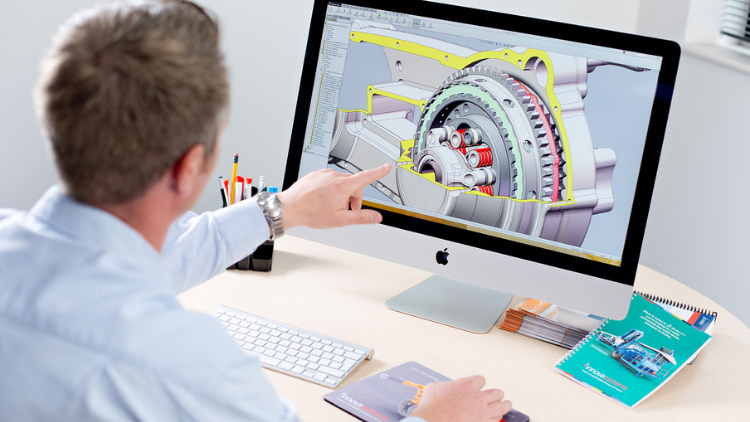
ডিজাইন | 3D এবং অ্যানিমেশন
Learn Creating 3D Models for parts, assemble different parts and make motion between them.
5.0
1 ঘণ্টা 30 মি.
13 বক্তৃতা
সব
$19.99
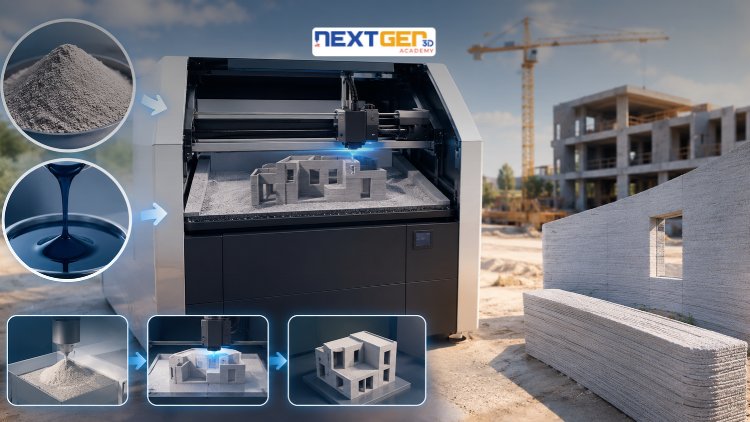
ডিজাইন | 3D প্রিন্টিং
Learn construction binder jetting, materials, CAD design, and quality control.
5.0
3 ঘণ্টা
25 বক্তৃতা
মধ্যবর্তী
$12.99
ডিজাইন | 3D প্রিন্টিং
Master 3D printing fundamentals, FDM, SLA, SLS, DMLS, industrial applications, rapid prototyping, production workflows, quality control, and additive manufacturing case studies.
5.0
3 ঘণ্টা 30 মি.
26 বক্তৃতা
মধ্যবর্তী
$9.99

ডিজাইন | ক্যানভা এআই ডিজাইন টুলস
Unlock AI features in Canva to design, teach, and sell effectively for your business.
5.0
1 ঘণ্টা
19 বক্তৃতা
বিশেষজ্ঞ
$12.99
$54.99
ডিজাইন | গ্রাফিক ডিজাইন এবং ইলাস্ট্রেশন
Develop your graphic design skills by mastering the advanced features of Both Photoshop and GIMP
5.0
1 ঘণ্টা 30 মি.
29 বক্তৃতা
সব
$9.99
$74.99

ডিজাইন | অঙ্কন
Learn pencil control, lines, shapes, forms, shading, proportions, perspective, and still-life sketching through a practical 30-day beginner drawing journey.
5.0
3 ঘণ্টা 30 মি.
4 বক্তৃতা
শিক্ষানবিস
$34.99
$49.99
Frequently Bought Together
Learners who enrolled in this course also frequently purchased these complementary courses together.
7-Day Money Back Guarantee for all bundle items
Total price for selected items:
$70.38
$87.97
প্রায়শই জিজ্ঞাসিত প্রশ্নাবলী
এই কোর্স সম্পর্কে সবচেয়ে সাধারণ প্রশ্নের উত্তর খুঁজুন।
হ্যাঁ! কোর্স লেকচার এবং অ্যাসাইনমেন্টের 100% সম্পূর্ণ করার পরে, আপনি সরাসরি আপনার লুসেব্রা প্রোফাইল থেকে আপনার যাচাইকৃত ডিজিটাল সার্টিফিকেট অফ কমপ্লিশন ডাউনলোড করতে পারেন।
পদ্ধতি-এ আরও অন্বেষণ করুন
স্বীকৃত সার্টিফিকেট, সম্পর্কিত ই-বুক এবং লাইভ ক্লাসের মাধ্যমে আপনার শেখার পরিধি বাড়ান।