
null
Master Canva: ตัวเลือกที่ยอดเยี่ยมสำหรับผู้ที่ไม่ใช่นักออกแบบกราฟิก
Utilice Canva para Crear y Crear Marcas Incluso Si Sabe Poco Sobre Diseño Gráfico
ทุกระดับ • 39 บรรยาย • เข้าถึงได้ตลอดชีวิต
อาจารย์ผู้สอนที่ได้รับการรับรอง
รถพ่วง
พบกับผู้สอนของคุณ: LinCademy
19 ms
5.0 / 5.0
นักเรียนที่กระตือรือร้น1
นักเรียนที่กระตือรือร้นอังกฤษ - สหรัฐอเมริกา
คำบรรยาย 99 ภาษา1 ชม. 25 นาที
เนื้อหาทั้งหมดสิ่งที่คุณจะได้เรียนรู้
Usando la aplicación Canva y configurando tu perfil y configuración.
Diseñar en Canva desde cero.
Usando diseños de plantillas de Canva.
Editando el contenido de tu diseño.
เนื้อหาหลักสูตร
2 ส่วน • 39 การบรรยาย • 01:25:57 ความยาวรวมLecture 21 - Section 2 Overview
01:25
Lecture 22 - Output Your Design to Business Cards
02:10
Lecture 23 - Output Your Design to Posters
01:57
Lecture 24 - Output Your Design to Flyers
01:48
Lecture 25 - Output Your Design to Postcards
02:09
Lecture 26 - Output Designs to Printable Invitations
01:52
Lecture 27 - Testing Canva for Work
01:36
Lecture 28 - Resizing Canva for Work
02:13
Lecture 29 - Brand Kit of Canva for Work
02:35
Lecture 30 - Animation in Canva for Work
01:54
Lecture 31 - Images Access in Canva for Work
01:41
Lecture 32 - Folders and Storage in Canva for Work
01:48
Lecture 33 - Transparent Background in Canva for Work
01:32
Lecture 34 - Special Fonts in Canva for Work
02:19
Lecture 35 - Live Example - Creating Pinterest Pin
04:20
Lecture 36 - Live Example - Creating Business Card
04:01
Lecture 37 - Live Example - Creating Facebook Event Cover
03:02
Lecture 38 - Live Example - Creating Instagram Post
02:04
Lecture 39 - Live Example - Creating YouTube Thumbnail
03:20
Lecture 40 - Section 2 Conclusion
01:32
แผนการเรียนรายสัปดาห์
วางแผนการเรียนรู้ของคุณ
AI สร้างตารางเวลาส่วนตัวตามเวลาว่างของคุณ5 ชั่วโมง/สัปดาห์
ความต้องการ
No se necesitan requisitos previos para tomar este curso, excepto una fuerte determinación de dominar el diseño en Canva
กลุ่มเป้าหมาย
Graphic designer
Anyone interested in creating simple or advanced graphic designs
เกี่ยวกับหลักสูตรนี้
Canva es un gran software en línea para cualquiera que necesite crear diseños gráficos para publicaciones en redes sociales, tarjetas, infografías y mucho más. Canva es muy famoso por su enorme biblioteca de elementos gráficos para que los usuarios los usen en sus diseños.
Canva puede convertir a cualquiera en un artista gráfico hábil y profesional. Lo bueno de usar Canva es que no necesitas ser un diseñador gráfico experto para crear algunas piezas de trabajo gráfico fantásticas. Canva es una gran opción para aquellos que no quieren pagar grandes sumas de dinero a un diseñador gráfico para que les haga algunos gráficos o para comprar software gráfico costoso.
Si eres uno de esos y estás listo para dominar el uso de Canva, este curso tutorial paso a paso, conciso y práctico de LinCademy es para ti. A través de 40 tutoriales en video paso a paso de este curso con su primer módulo de trabajo con los conceptos básicos de Canva y su segundo módulo de trabajo con características más avanzadas de Canva, habrás aprendido lo siguiente:
- Comenzando con Canva
Durante 6 tutoriales, comienzas a trabajar con Canva configurando tu perfil y configuración; usando la aplicación Canva; entendiendo el Kit de Marca de Canva y los precios; e invitando a los miembros de tu equipo a Canva
- Diseñando en Canva (Parte 1)
Durante 4 tutoriales, aprenderás cómo diseñar usando plantillas de Canva, así como diseñar desde cero. También aprenderás cómo compartir tus diseños con tu equipo y cómo editar el contenido de tu diseño.
- Diseñando en Canva (Parte 2)
Durante 4 tutoriales, dominarás el trabajo con diferentes elementos en Canva, como elementos de texto y elementos de fondo. También aprenderás cómo cargar contenido a Canva, así como importar diseños de otras fuentes como Facebook, Instagram, YouTube y Dropbox.
- Compartiendo y Exportando Tus Diseños Completados
Durante 10 tutoriales, aprenderás cómo compartir y exportar tus diseños terminados. Podrás descargar tus archivos de diseño en diferentes formatos, incluyendo PowerPoint; compartir tus diseños en redes sociales; y exportar tus diseños a un sitio web, tarjetas de presentación, pósteres, volantes, postales e invitaciones impresas.
- Trabajando con C
โอกาสทางสายอาชีพและตำแหน่งงานเป้าหมาย
พัฒนาทักษะที่พร้อมใช้งานจริงเพื่อก้าวสู่ตำแหน่งงานระดับสากลที่มีความต้องการสูง
หลักสูตรพร้อมทำงานจริง
ตำแหน่งงานที่คุณสามารถสมัครได้
Product Designer (UI/UX)
User Experience Researcher
Interaction & Visual Designer
Design Systems Lead
ประมาณการเงินเดือนต่อปี
$80,000 – $130,000 / yr
ความต้องการในตลาดโลก
Strong Demand in SaaS & Mobile Tech
ทักษะสำคัญที่คุณจะเชี่ยวชาญ* การประมาณการอ้างอิงจากเกณฑ์การจ้างงานและรายงานเงินเดือนในอุตสาหกรรมเทคโนโลยีระดับสากล
End-to-End User Journey Mapping
Interactive Prototyping & Figma Mastery
Usability Testing & Heuristic Evaluation
Design System Architecture & Tokens
พบกับผู้สอนของคุณ
LinCademy
อาจารย์ผู้สอนหลัก
Training courses/programs publisher
Launched in London in 2020 (officially incorporated in 2024), LinCademy empowers you to learn and develop in-demand skills from the comfort of your home. Our unique platform combines engaging, self-paced courses with a vibrant community for interaction, networking, and self-branding. This blend of gamified learning and social connection empowers you to take control of your development and achieve your professional goals....
คอร์สอื่น ๆ โดย
LinCademyนักเรียนก็ซื้อด้วย
ผู้เรียนที่ดูหลักสูตรนี้ได้ลงทะเบียนเรียนในหลักสูตรที่ได้รับคะแนนสูงสุดเหล่านี้ด้วย
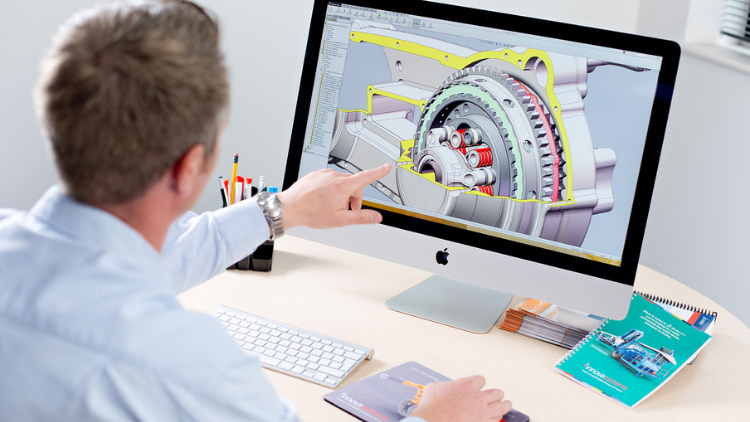
การออกแบบ | 3D และแอนิเมชั่น
Learn Creating 3D Models for parts, assemble different parts and make motion between them.
5.0
1 ชม. 30 นาที
13 การบรรยาย
ทุกระดับ
$19.99
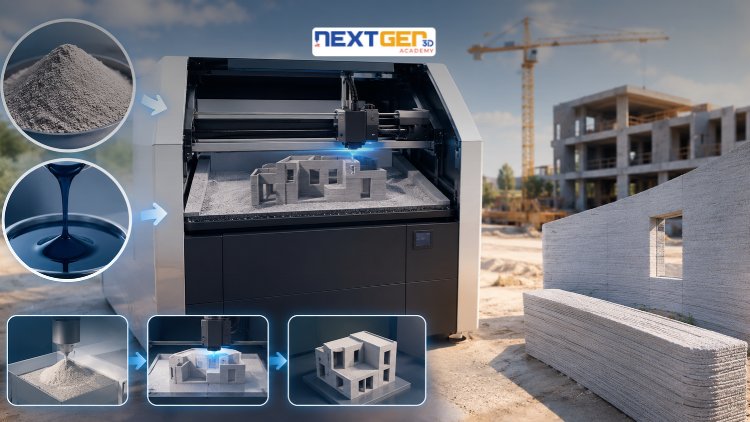
การออกแบบ | การพิมพ์ 3 มิติ
Learn construction binder jetting, materials, CAD design, and quality control.
5.0
3 ชม.
25 การบรรยาย
ระดับกลาง
$12.99
การออกแบบ | การพิมพ์ 3 มิติ
Master 3D printing fundamentals, FDM, SLA, SLS, DMLS, industrial applications, rapid prototyping, production workflows, quality control, and additive manufacturing case studies.
5.0
3 ชม. 30 นาที
26 การบรรยาย
ระดับกลาง
$9.99

การออกแบบ | เครื่องมือออกแบบ Canva AI
Unlock AI features in Canva to design, teach, and sell effectively for your business.
5.0
1 ชม.
19 การบรรยาย
ผู้เชี่ยวชาญ
$12.99
$54.99
การออกแบบ | การออกแบบกราฟิกและภาพประกอบ
Develop your graphic design skills by mastering the advanced features of Both Photoshop and GIMP
5.0
1 ชม. 30 นาที
29 การบรรยาย
ทุกระดับ
$9.99
$74.99
การออกแบบ | การวาดภาพ
Learn pencil control, lines, shapes, forms, shading, proportions, perspective, and still-life sketching through a practical 30-day beginner drawing journey.
5.0
3 ชม. 30 นาที
4 การบรรยาย
ระดับเริ่มต้น
$34.99
$49.99
Frequently Bought Together
Learners who enrolled in this course also frequently purchased these complementary courses together.
7-Day Money Back Guarantee for all bundle items
Total price for selected items:
$70.38
$87.97
คำถามที่พบบ่อย
ค้นหาคำตอบของคำถามที่พบบ่อยเกี่ยวกับหลักสูตรนี้
ใช่! เมื่อเสร็จสิ้นการบรรยายและการมอบหมายหลักสูตร 100% คุณสามารถดาวน์โหลดใบรับรองการสำเร็จหลักสูตรดิจิทัลที่ผ่านการตรวจสอบแล้วได้ทันทีจากโปรไฟล์ Lucebra ของคุณ
สำรวจเพิ่มเติมใน Technology
ต่อยอดการเรียนรู้ของคุณด้วยใบรับรองที่ผ่านการรับรอง อีบุ๊กที่เกี่ยวข้อง และชั้นเรียนสดแบบอินเทอร์แอคทีฟ