
null
Canva Meesteren: Een Geweldige Optie voor Niet-Grafische Ontwerpers
Gebruik Canva om te Creëren en te Branden, Zelfs Als Je Weinig Weet over Grafisch Ontwerp
Ngazi Zote • 39 Mihadhara • Ufikiaji wa Maisha Yote
Mwalimu Mkuu Aliyethibitishwa
trailer ya gari
Kutana na mwalimu wako: LinCademy
19 ms
5.0 / 5.0
Ukadiriaji wa Kimataifa1
Wanafunzi WatendajiKiingereza (Marekani)
Nukuu 99 za Lugha1 saa 25 dak
Jumla ya MaudhuiUtajifunza nini
Gebruik van Canva App en het configureren van je profiel en instellingen.
Ontwerp in Canva vanuit het niets.
Gebruik van Canva sjabloonontwerpen.
Bewerken van je ontwerpinhoud.
Maudhui ya Kozi
2 sehemu • 39 mihadhara • 01:25:57 urefu wa jumlaLecture 21 - Section 2 Overview
01:25
Lecture 22 - Output Your Design to Business Cards
02:10
Lecture 23 - Output Your Design to Posters
01:57
Lecture 24 - Output Your Design to Flyers
01:48
Lecture 25 - Output Your Design to Postcards
02:09
Lecture 26 - Output Designs to Printable Invitations
01:52
Lecture 27 - Testing Canva for Work
01:36
Lecture 28 - Resizing Canva for Work
02:13
Lecture 29 - Brand Kit of Canva for Work
02:35
Lecture 30 - Animation in Canva for Work
01:54
Lecture 31 - Images Access in Canva for Work
01:41
Lecture 32 - Folders and Storage in Canva for Work
01:48
Lecture 33 - Transparent Background in Canva for Work
01:32
Lecture 34 - Special Fonts in Canva for Work
02:19
Lecture 35 - Live Example - Creating Pinterest Pin
04:20
Lecture 36 - Live Example - Creating Business Card
04:01
Lecture 37 - Live Example - Creating Facebook Event Cover
03:02
Lecture 38 - Live Example - Creating Instagram Post
02:04
Lecture 39 - Live Example - Creating YouTube Thumbnail
03:20
Lecture 40 - Section 2 Conclusion
01:32
Mpango wa Masomo wa Kila Wiki
Panga safari yako ya kujifunza
AI hutengeneza ratiba ya kibinafsi kulingana na upatikanaji wako5 saa/wiki
Mahitaji
Geen voorwaarden nodig om deze cursus te volgen behalve een sterke vastberadenheid om te leren ontwerpen op Canva
Watazamaji Walengwa
Graphic designer
Anyone interested in creating simple or advanced graphic designs
Kuhusu kozi hii
Canva is geweldige online software voor iedereen die grafisch ontwerp nodig heeft voor sociale media posts, kaarten, infographics en nog veel meer. Canva staat bekend om zijn enorme bibliotheek van grafische elementen die gebruikers kunnen gebruiken in hun ontwerpen.
Canva kan iedereen veranderen in een bekwame en professionele grafisch kunstenaar. Het mooie aan het gebruik van Canva is dat je geen bekwame grafisch ontwerper hoeft te zijn om fantastische grafisch werk te maken. Canva is een geweldige optie voor degenen die geen grote bedragen willen betalen aan een grafisch ontwerper om hen grafisch werk te laten maken of om dure grafisch software te kopen.
Als je een van die mensen bent en klaar bent om Canva te beheersen, is deze stap-voor-stap beknopte en praktische tutorialcursus van LinCademy iets voor jou. Door middel van 40 stap-voor-stap video tutorials van deze cursus met zijn eerste module van werken met de basis van Canva en zijn tweede module van werken met meer geavanceerde functies van Canva, zul je het volgende hebben geleerd:
- Aan de Slag met Canva
Tijdens 6 tutorials begin je met Canva door je profiel en instellingen te configureren; Canva App te gebruiken; Canva Brand Kit en prijzen te begrijpen; en je teamleden uitnodigen voor Canva
- Ontwerpen op Canva (Deel 1)
Tijdens 4 tutorials leer je hoe je kunt ontwerpen met Canva sjablonen evenals ontwerpen vanuit het niets. Je leert ook hoe je je ontwerpen met je team kunt delen en hoe je je ontwerpinhoud kunt bewerken.
- Ontwerpen op Canva (Deel 2)
Tijdens 4 tutorials zul je het beheersen van werken met verschillende elementen op Canva zoals tekstelementen en achtergrondelement. Je leert ook hoe je inhoud naar Canva kunt uploaden evenals het importeren van ontwerpen uit andere bronnen zoals Facebook, Instagram, YouTube en Dropbox.
- Je Voltooide Ontwerpen Delen en Uitvoeren
Tijdens 10 tutorials leer je hoe je je voltooide ontwerpen kunt delen en uitvoeren. Je zult je ontwerpbestanden in verschillende formaten kunnen downloaden inclusief PowerPoint; je ontwerpen op sociale media kunnen delen; en je ontwerpen naar een website, visitekaartjes, posters, flyers, ansichtkaarten en uitnodigingen kunt uitvoeren.
- Werken met C
Fursa za Kazi na Majukumu Lengwa
Jenga ujuzi wa vitendo unaotakiwa kazini na uhitimu kwa nafasi zenye ushawishi mkubwa duniani
Mtaala Uliotayarishwa kwa Ajira
Majukumu ya Kazi Unayoweza Kuomba
Product Designer (UI/UX)
User Experience Researcher
Interaction & Visual Designer
Design Systems Lead
Mshahara Unaokadiriwa kwa Mwaka
$80,000 – $130,000 / yr
Mahitaji ya Soko Ulimwenguni
Strong Demand in SaaS & Mobile Tech
Ujuzi Muhimu Utakaobobea* Makadirio yanatokana na vigezo vya kimataifa vya uajiri wa kiteknolojia.
End-to-End User Journey Mapping
Interactive Prototyping & Figma Mastery
Usability Testing & Heuristic Evaluation
Design System Architecture & Tokens
Kutana na mkufunzi wako
LinCademy
Mwalimu Mkuu
Training courses/programs publisher
Launched in London in 2020 (officially incorporated in 2024), LinCademy empowers you to learn and develop in-demand skills from the comfort of your home. Our unique platform combines engaging, self-paced courses with a vibrant community for interaction, networking, and self-branding. This blend of gamified learning and social connection empowers you to take control of your development and achieve your professional goals....
Kozi Zaidi na
LinCademyWanafunzi pia walinunua
Wanafunzi waliotazama kozi hii pia walijiandikisha katika kozi hizi zilizopewa alama za juu
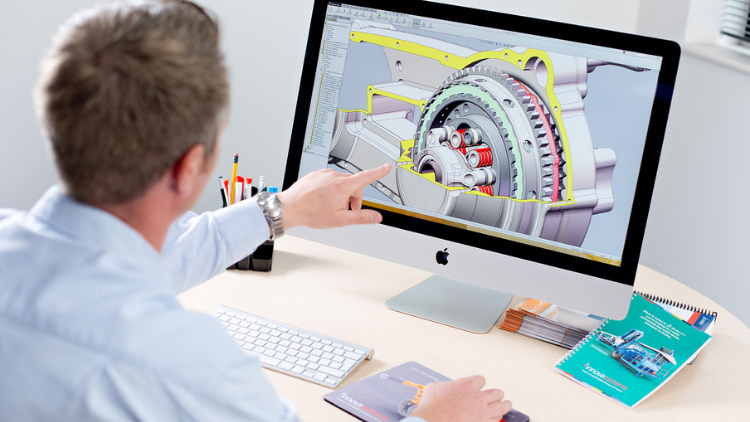
Ubunifu | 3D & Uhuishaji
Learn Creating 3D Models for parts, assemble different parts and make motion between them.
5.0
1 saa 30 dak
13 Lecture
Yote
$19.99
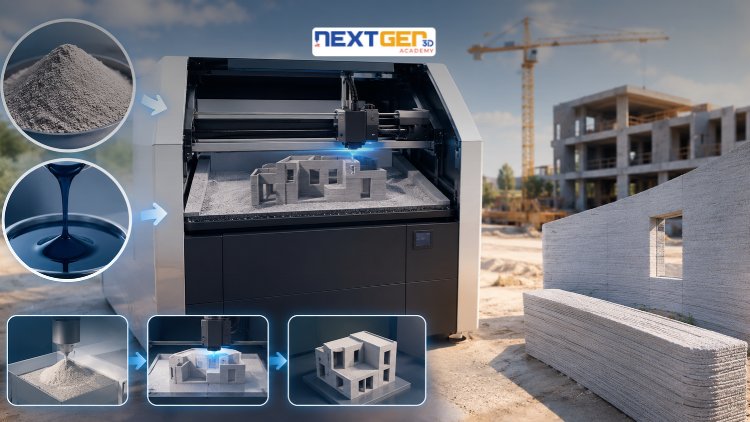
Ubunifu | Uchapishaji wa 3D
Learn construction binder jetting, materials, CAD design, and quality control.
5.0
3 saa
25 Lecture
Kati
$12.99
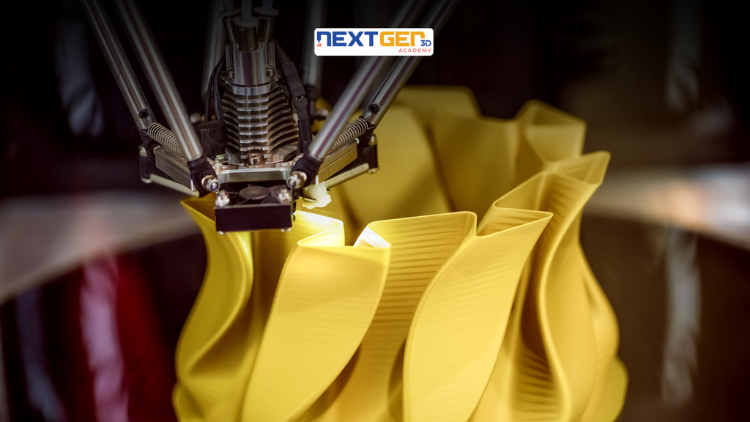
Ubunifu | Uchapishaji wa 3D
Master 3D printing fundamentals, FDM, SLA, SLS, DMLS, industrial applications, rapid prototyping, production workflows, quality control, and additive manufacturing case studies.
5.0
3 saa 30 dak
26 Lecture
Kati
$9.99

Ubunifu | Zana za Kubuni za Canva AI
Unlock AI features in Canva to design, teach, and sell effectively for your business.
5.0
1 saa
19 Lecture
Mtaalamu
$12.99
$54.99
Ubunifu | Usanifu wa Picha & Mchoro
Develop your graphic design skills by mastering the advanced features of Both Photoshop and GIMP
5.0
1 saa 30 dak
29 Lecture
Yote
$9.99
$74.99
Ubunifu | Kuchora
Learn pencil control, lines, shapes, forms, shading, proportions, perspective, and still-life sketching through a practical 30-day beginner drawing journey.
5.0
3 saa 30 dak
4 Lecture
Mwanzilishi
$34.99
$49.99
Frequently Bought Together
Learners who enrolled in this course also frequently purchased these complementary courses together.
7-Day Money Back Guarantee for all bundle items
This course:
Inayouzwa Zaidi
$54.99
Total price for selected items:
$70.38
$87.97
Maswali Yanayoulizwa Mara Kwa Mara
Pata majibu kwa maswali ya kawaida kuhusu kozi hii.
Ndiyo! Baada ya kukamilisha 100% ya mihadhara na kazi za kozi, unaweza kupakua Cheti chako cha Dijitali cha Kukamilisha papo hapo moja kwa moja kutoka kwa wasifu wako wa Lucebra.
Gundua zaidi katika Technology
Panua safari yako ya kujifunza kwa vyeti vilivyoidhinishwa, vitabu vya kielektroniki na madarasa ya moja kwa moja.