
null
5.0 / 5.0
全球評級1
活躍的學生美国英语
99 種語言字幕1小時 25分
總內容你將學到什麼
Canva 앱 사용 및 프로필 및 설정 구성.
스크래치에서 Canva에서 디자인하기.
Canva 템플릿 디자인 사용.
디자인 콘텐츠 편집.
課程內容
2 部分 • 39 講座 • 01:25:57 總長度Lecture 21 - Section 2 Overview
01:25
Lecture 22 - Output Your Design to Business Cards
02:10
Lecture 23 - Output Your Design to Posters
01:57
Lecture 24 - Output Your Design to Flyers
01:48
Lecture 25 - Output Your Design to Postcards
02:09
Lecture 26 - Output Designs to Printable Invitations
01:52
Lecture 27 - Testing Canva for Work
01:36
Lecture 28 - Resizing Canva for Work
02:13
Lecture 29 - Brand Kit of Canva for Work
02:35
Lecture 30 - Animation in Canva for Work
01:54
Lecture 31 - Images Access in Canva for Work
01:41
Lecture 32 - Folders and Storage in Canva for Work
01:48
Lecture 33 - Transparent Background in Canva for Work
01:32
Lecture 34 - Special Fonts in Canva for Work
02:19
Lecture 35 - Live Example - Creating Pinterest Pin
04:20
Lecture 36 - Live Example - Creating Business Card
04:01
Lecture 37 - Live Example - Creating Facebook Event Cover
03:02
Lecture 38 - Live Example - Creating Instagram Post
02:04
Lecture 39 - Live Example - Creating YouTube Thumbnail
03:20
Lecture 40 - Section 2 Conclusion
01:32
每週學習計劃
規劃您的學習之旅
AI根據您的可用時間生成個人化時間表5 小時/週
要求
이 과정을 수강하기 위한 전제 조건은 없으며, Canva 디자인을 마스터하려는 강한 결심만 있으면 됩니다.
目標受眾
Graphic designer
Anyone interested in creating simple or advanced graphic designs
關於本課程
Canva는 소셜 미디어 게시물, 카드, 인포그래픽 등을 만들 필요가 있는 모든 사람에게 훌륭한 온라인 소프트웨어입니다. Canva는 사용자가 디자인에 사용할 수 있는 거대한 그래픽 요소 라이브러리로 정말 유명합니다.
Canva는 누구나 숙련된 전문 그래픽 아티스트가 될 수 있게 해줍니다. Canva를 사용하는 좋은 점은 훌륭한 그래픽 작업을 만들기 위해 숙련된 그래픽 디자이너가 될 필요가 없다는 것입니다. Canva는 그래픽 디자이너에게 많은 비용을 지불하거나 비싼 그래픽 소프트웨어를 구매하기를 원하지 않는 사람들에게 훌륭한 옵션입니다.
Canva를 마스터할 준비가 되셨다면, LinCademy의 이 단계별 간결하고 실용적인 튜토리얼 코스가 적합합니다. 첫 번째 모듈에서는 Canva의 기본 사항을 다루고 두 번째 모듈에서는 Canva의 고급 기능을 다룹니다. 이 과정을 통해 다음 사항을 배우게 됩니다:
- Canva 시작하기
6개의 튜토리얼을 통해 Canva 프로필 및 설정 구성, Canva 앱 사용, Canva 브랜드 키트 및 가격 이해, 팀원을 Canva에 초대하는 방법을 시작합니다.
- Canva에서 디자인하기 (1부)
4개의 튜토리얼을 통해 Canva 템플릿을 사용하여 디자인하는 방법과 스크래치에서 디자인하는 방법을 배웁니다. 또한 팀과 디자인을 공유하고 디자인 콘텐츠를 편집하는 방법도 배웁니다.
- Canva에서 디자인하기 (2부)
4개의 튜토리얼을 통해 Canva의 다양한 요소, 예를 들어 텍스트 요소 및 배경 요소를 사용하는 방법을 마스터합니다. 또한 Canva에 콘텐츠를 업로드하는 방법과 Facebook, Instagram, YouTube, Dropbox 등의 다른 소스에서 디자인을 가져오는 방법도 배웁니다.
- 완료된 디자인 공유 및 출력
10개의 튜토리얼을 통해 완료된 디자인을 공유하고 출력하는 방법을 배웁니다. 다양한 형식으로 디자인 파일을 다운로드하고, 소셜 미디어에 디자인을 공유하고, 웹사이트, 명함, 포스터, 전단지, 엽서 및 인쇄 가능한 초대장으로 디자인을 출력할 수 있습니다.
- Canva에서 작업하기
職業發展機會與目標職位
掌握前沿實務技能,勝任全球高薪核心職務
就業就緒型課程
可應徵的目標職位
Product Designer (UI/UX)
User Experience Researcher
Interaction & Visual Designer
Design Systems Lead
預估年薪範圍
$80,000 – $130,000 / yr
全球產業需求
Strong Demand in SaaS & Mobile Tech
掌握的核心關鍵技能* 估算數據基於全球科技產業薪酬指標與市場招聘報告。
End-to-End User Journey Mapping
Interactive Prototyping & Figma Mastery
Usability Testing & Heuristic Evaluation
Design System Architecture & Tokens
認識您的講師
LinCademy
主要導師
Training courses/programs publisher
Launched in London in 2020 (officially incorporated in 2024), LinCademy empowers you to learn and develop in-demand skills from the comfort of your home. Our unique platform combines engaging, self-paced courses with a vibrant community for interaction, networking, and self-branding. This blend of gamified learning and social connection empowers you to take control of your development and achieve your professional goals....
該講師的其他課程:
LinCademy學生也買了
查看此課程的學習者也註冊了這些評價最高的課程
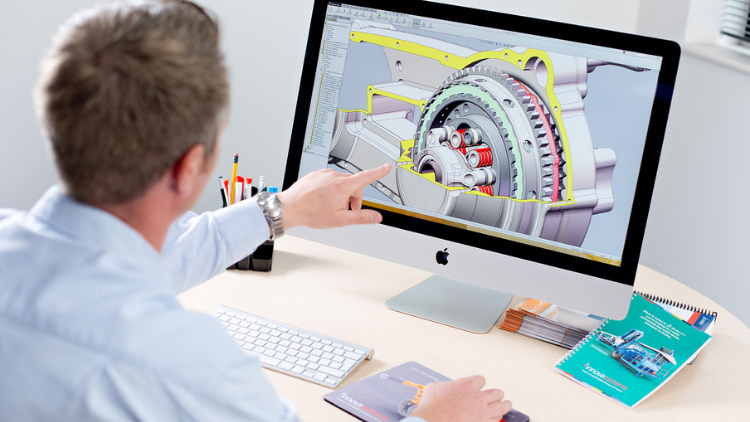
設計 | 3D 與動畫
Learn Creating 3D Models for parts, assemble different parts and make motion between them.
5.0
1小時 30分
13 講座
全部
$19.99
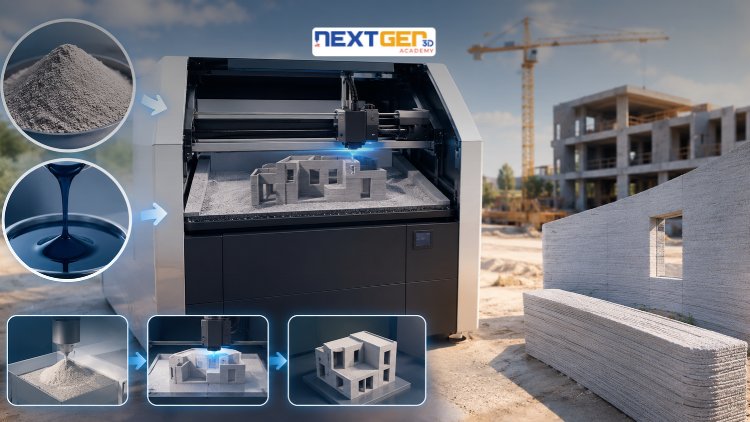
設計 | 3D列印
Learn construction binder jetting, materials, CAD design, and quality control.
5.0
3小時
25 講座
中間的
$12.99
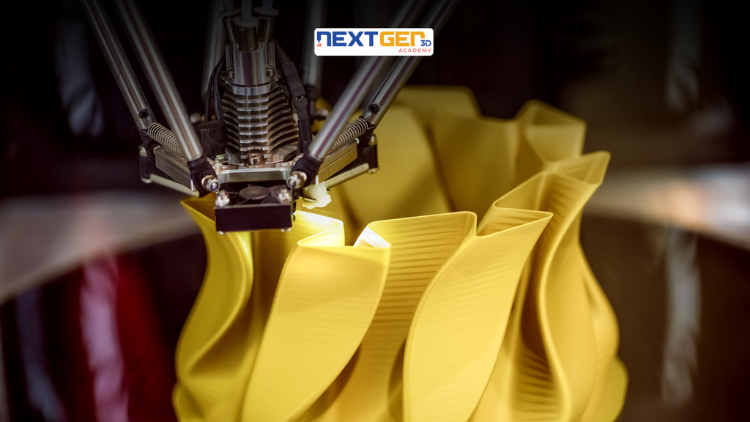
設計 | 3D列印
Master 3D printing fundamentals, FDM, SLA, SLS, DMLS, industrial applications, rapid prototyping, production workflows, quality control, and additive manufacturing case studies.
5.0
3小時 30分
26 講座
中間的
$9.99

設計 | Canva 人工智慧設計工具
Unlock AI features in Canva to design, teach, and sell effectively for your business.
5.0
1小時
19 講座
專家
$12.99
$54.99

設計 | 平面設計與插畫
Develop your graphic design skills by mastering the advanced features of Both Photoshop and GIMP
5.0
1小時 30分
29 講座
全部
$9.99
$74.99

設計 | 繪畫
Learn pencil control, lines, shapes, forms, shading, proportions, perspective, and still-life sketching through a practical 30-day beginner drawing journey.
5.0
3小時 30分
4 講座
初學者
$34.99
$49.99
Frequently Bought Together
Learners who enrolled in this course also frequently purchased these complementary courses together.
7-Day Money Back Guarantee for all bundle items
Total price for selected items:
$70.38
$87.97
常見問題解答
尋找有關本課程的最常見問題的答案。
是的! 100% 完成課程講座和作業後,您可以立即直接從您的 Lucebra 個人資料下載經過驗證的數位結業證書。
探索更多 Technology 內容
透過權威認證證書、精選電子書與即時互動直播課程拓展您的學習之旅。